How to bulk delete campaigns in Constant Contact
Here is how to bulk delete campaigns in constant contact
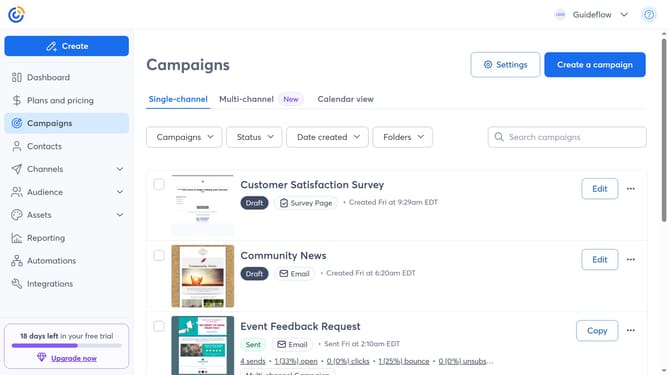
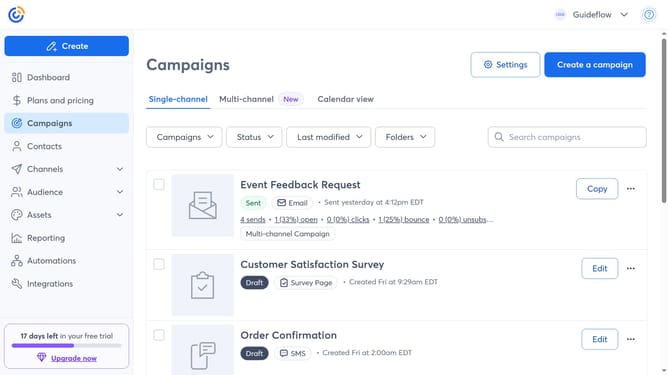
- First, click on "Campaigns" in the left sidebar navigation menu
- Next select the checkboxes next to each campaign you want to delete
- Then click the "Actions" dropdown that appears at the top
- Finally, click on the "Delete" option in the Actions dropdown menu
Why should you bulk delete campaigns in Constant Contact
Constant Contact is a versatile platform designed to streamline your email marketing efforts.
The bulk delete feature in Constant Contact empowers users to efficiently manage their campaigns by allowing them to remove numerous campaigns at once.
This capability is particularly beneficial for maintaining an organized workspace, ensuring that outdated or irrelevant campaigns do not clutter your dashboard.
By effectively utilizing this feature, users can save valuable time and focus on crafting fresh and engaging content without getting bogged down by administrative cleanup tasks.
Last update