How to check the reporting for a campaign in Constant Contact
Here is how to check the reporting for a campaign in constant contact
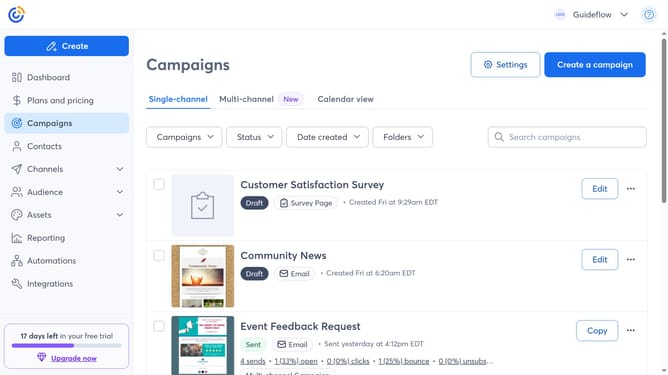
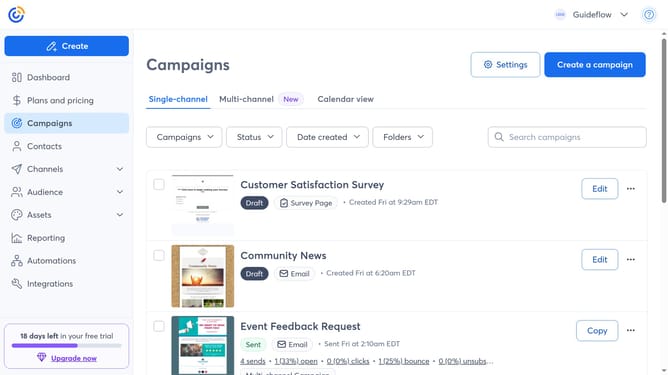
- First click on "Campaigns" in the left sidebar menu
- Find the sent campaign you want to view from the campaign list
- Next click the "More options" menu (three dots) button on the right side of the campaign
- Then select "Reporting" from the dropdown menu that appears
- The Campaign Report page opens, here you can see metrics like opens, clicks, bounces, unsubscribes and more
Why should you check the reporting for a campaign in Constant Contact
Constant Contact is a dynamic platform designed to simplify the process of crafting and managing effective email marketing campaigns.
Checking the reporting for a campaign in Constant Contact ensures you can easily access detailed analytics on open rates, click-throughs, and other key metrics.
This insight empowers you to understand your audience better, refine your strategies, and enhance future campaigns, bolstering engagement and conversions efficiently.
Last update