How to view the import and export activity page in Constant Contact
Here is how to view the import and export activity page in constant contact
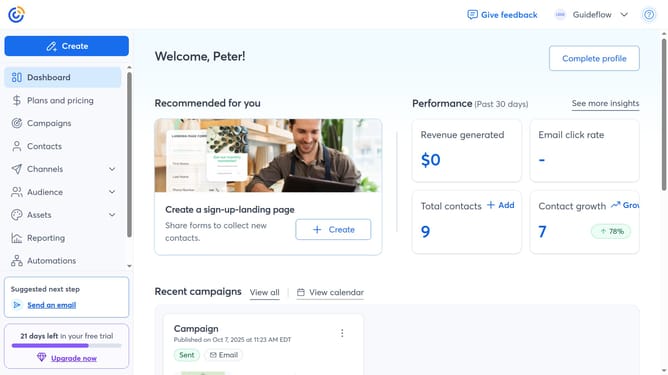
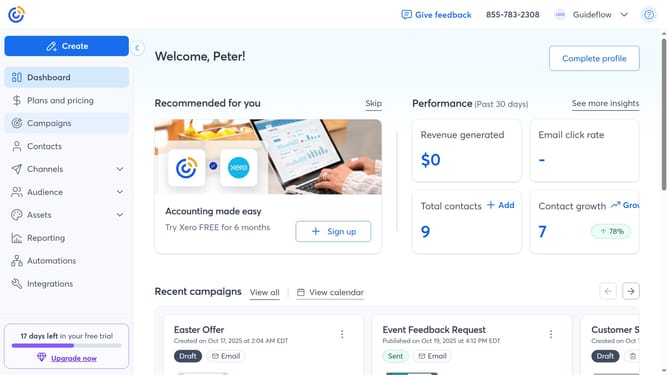
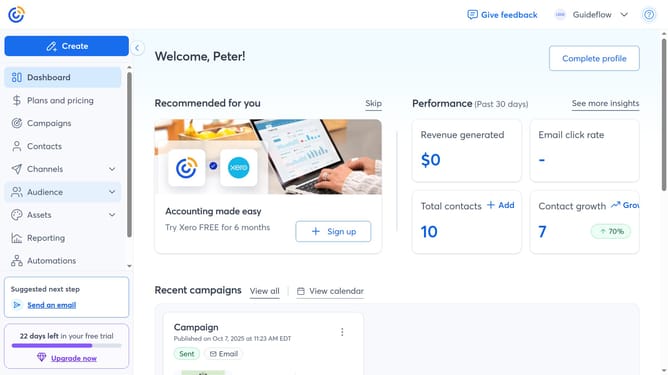
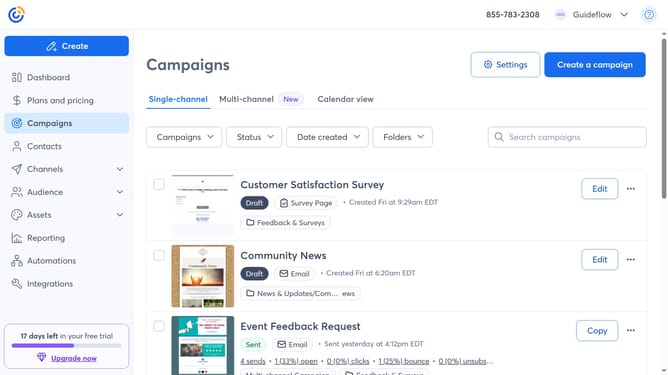
- First, click on “Contacts” in the left sidebar menu
- Next click on the "More options" button (three dots icon) in the top-right corner of the Contacts page
- Then select "View import/export activity" from the dropdown menu
- From here, you can view the status of your recent import and export activities
Why should you view the import and export activity page in Constant Contact
Constant Contact is a dynamic tool designed to simplify email marketing for businesses of all sizes.
Within its suite of features, the import and export activity page stands out for its utility and ease of use. By viewing this page, users can efficiently track and manage their data flow, ensuring seamless integration and up-to-date contact lists.
The ability to monitor import and export activities not only saves time but also enhances data accuracy. For businesses looking to maintain impeccable communication and data integrity, this feature is indispensable.
Ultimately, leveraging this tool empowers users to focus on crafting effective marketing strategies without getting bogged down by data management complexities.
Last update