How to export contacts by SMS status in Constant Contact
Here is how to export contacts by sms status in constant contact
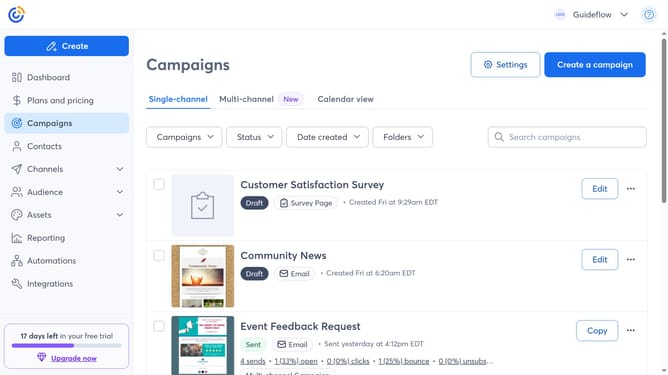
- First, click “Contacts” from the left sidebar menu
- From the Contacts tab, click "All Statuses"
- Next select the SMS status you want to export
- Select all of the contacts
- Click on the "Actions" dropdown button above the contacts list
- Then select "Export selection" from the Actions menu
- In the export modal, select all the fields you want to include in your exported file
- Finally click the "Export" button at the bottom of the export modal
- Once complete, you’ll see a confirmation message and the file will be available for download
- Click "Download CSV" or "Download Excel" to save your spreadsheet
Why should you export contacts by SMS status in Constant Contact
Constant Contact is a powerful tool designed to streamline email marketing and communication efforts.
Exporting contacts by SMS status in Constant Contact allows businesses to efficiently categorize and analyze their audience based on engagement levels. This feature makes it easy to segment contacts who are highly engaged via SMS, creating more targeted marketing strategies.
This capability is invaluable for enhancing your outreach efforts, enabling more personalized communication and optimized campaign results. By focusing on SMS-active contacts, businesses can better tailor their messages and improve customer interactions.
Last update