How to update your email settings in Constant Contact
Here is how to update your email settings in constant contact
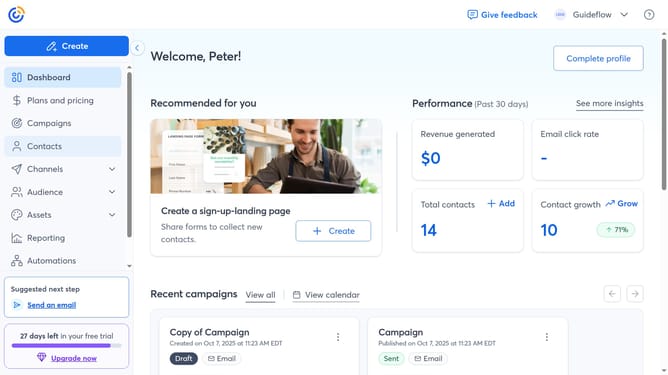
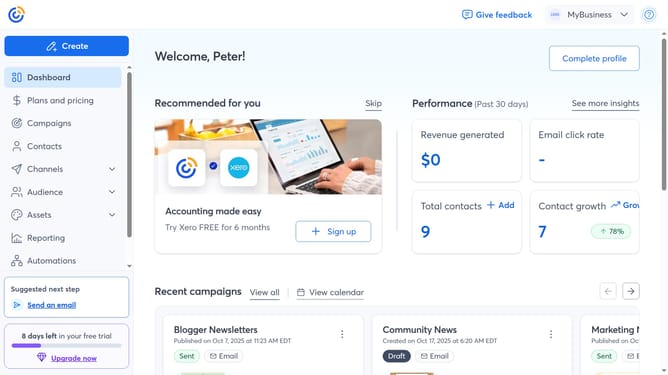
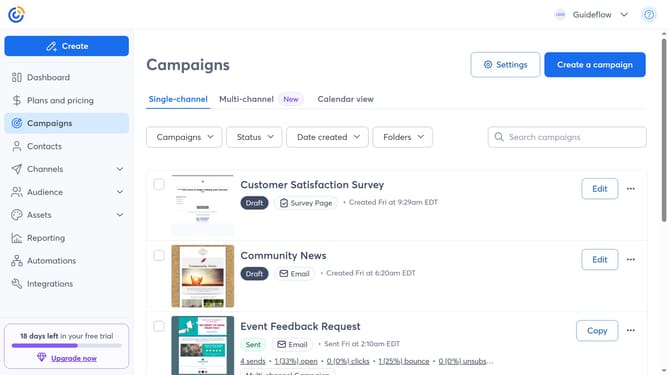
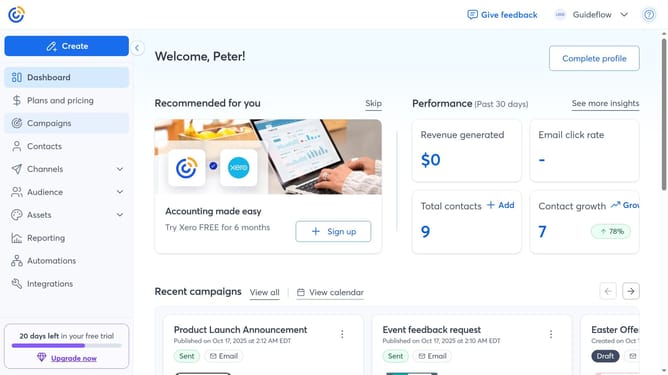
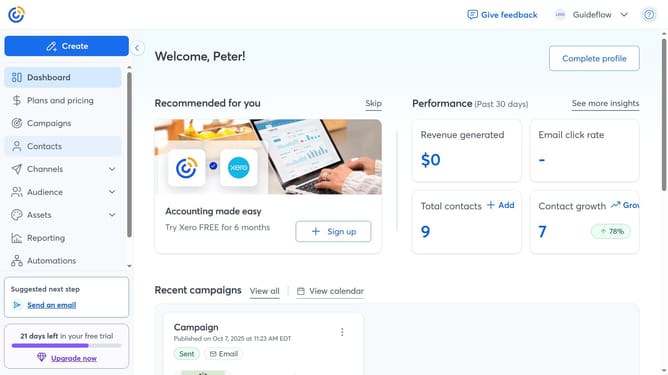
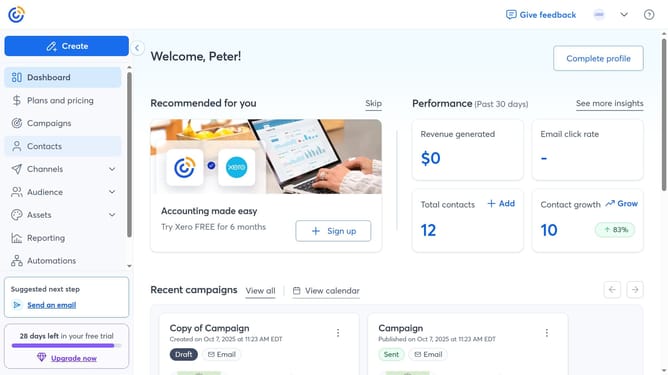
- First click on your profile name in the top navigation bar
- Click on "Settings" in the dropdown menu
- Next select "Account details" tab in the settings navigation menu
- Scroll down to the "Other settings" section
- Locate the Email settings and click on the "Edit" button
- Then update your email settings as needed, such as your Default From name, Signature name and more
- Finally click the "Save" button to save your changes
Why should you update your email settings in Constant Contact
Constant Contact is a versatile email marketing tool designed to simplify communication with your audience.
Updating your email settings in Constant Contact is an enlightening experience that optimizes how you manage your subscriber interactions.
By tuning these settings, you ensure that your emails are timely, relevant, and align perfectly with your brand's message, enhancing overall engagement.
This feature empowers you to tailor your communication effectively, strengthening your connection with your audience while maximizing your marketing efforts.
Last update