How to remove multiple contacts from a list in Constant Contact
Here is how to remove multiple contacts from a list in constant contact
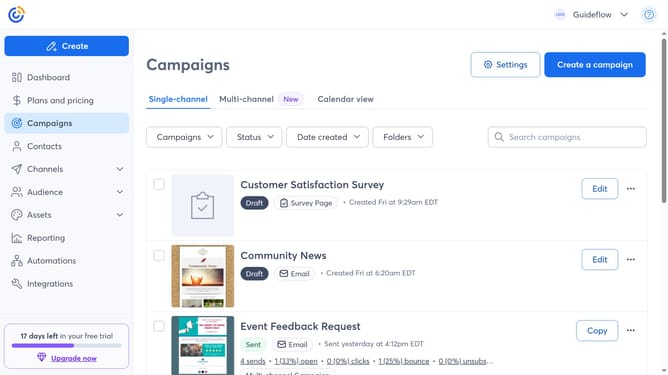
- First, click "Contacts" from the left sidebar menu
- Next, select the checkboxes next to the contacts you want to remove from a list
- Click on the "Actions" dropdown button in the contact list header
- Select "Remove from list" option from the Actions dropdown menu
- In the Remove Contacts dialog, click on the list search field
- Then select the list you want to remove the contacts from
- Finally, click the “Remove” button to confirm removing the contacts from the list
Why should you remove multiple contacts from a list in Constant Contact
Constant Contact is a powerful tool designed to streamline email marketing efforts and enhance customer engagement.
The ability to remove multiple contacts from a list at once in Constant Contact simplifies contact management, saving you valuable time. This feature is particularly beneficial for maintaining accurate email lists and ensuring that your communications target the right audience.
Efficient management of lists helps minimize the risk of sending irrelevant messages, supporting more personalized engagement strategies that improve customer relationships and boost marketing results.
Last update