How to search contacts by city in Constant Contact
Here is how to search contacts by city in constant contact
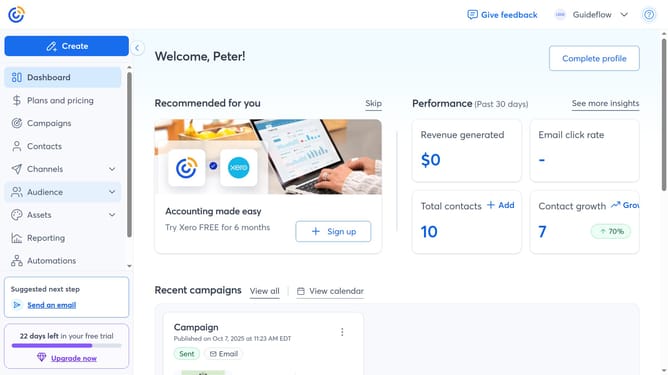
- First click on the "Contacts" item in the sidebar menu
- Next click on the contact search filter dropdown in the top filter bar
- Select the "City" option from the dropdown filter menu
- In the Search bar at the top, type the city of the contact you want to find
- Then press Enter or click the search icon
- Finally matching contacts will appear below. You can click a contact’s name to view their details
Why should you search contacts by city in Constant Contact
Constant Contact is a dynamic platform designed to unlock the potential of email marketing.
One standout feature is the ability to search contacts by city, which conveniently organizes audiences geographically.
This feature is particularly beneficial for businesses targeting region-specific campaigns, allowing for personalized content to resonate with local audiences.
Utilizing this capability optimizes engagement, ensuring the right message reaches the right crowd, driving better results.
Last update