How to set your organization’s industry in Constant Contact
Here is how to set your organization’s industry in constant contact
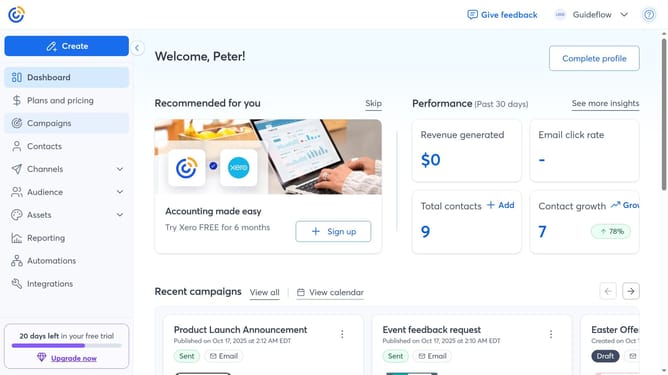
- First click on your profile name in the top navigation bar
- Click on "Settings" in the dropdown menu
- Next select "Account details" tab in the settings navigation menu
- Locate the Business details section and click on the "Edit" button
- In the modal that appears, locate the "Industry" field
- Then type your organization’s industry directly in the field
- Another option is to choose from the suggested options provided
- Finally click "Save" to apply the changes
Why should you set your organization’s industry in Constant Contact
Constant Contact is a powerful email marketing tool designed to help businesses connect with their customers.
Setting your organization's industry in Constant Contact allows for more tailored marketing solutions.
By defining your industry, the platform can offer industry-specific tools and insights, optimizing your outreach strategies and helping to foster more meaningful customer relationships.
This customization not only enhances your marketing precision but also ensures that your campaigns effectively address your audience's specific needs and preferences.
Last update