How to remove a contact from a list in Constant Contact
Here is how to remove a contact from a list in constant contact
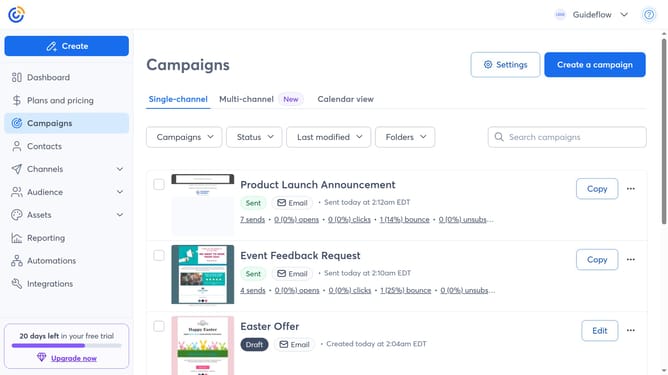
- First click on "Contacts" in the left sidebar menu
- In the contacts list, locate and click on the contact name you want to manage
- Under the List Membership section, you will see all the lists the contact belongs to
- Then click the Remove (minus) button next to the list you want to remove the contact from
Why should you remove a contact from a list in Constant Contact
Constant Contact is a powerful platform designed to simplify and enhance email marketing campaigns.
Removing a contact from a list in Constant Contact is a seamless process that allows you to maintain a clean and organized contact database. This feature ensures that your messages reach the right audience, avoiding unnecessary communications that may lead to unsubscribes or lower engagement.
By keeping your contact lists updated, you tailor your marketing efforts more effectively, boosting open rates and conversions. It's an essential step for any business aiming to optimize their communication strategy.
Last update