How to search contacts by state or province in Constant Contact
Here is how to search contacts by state or province in constant contact
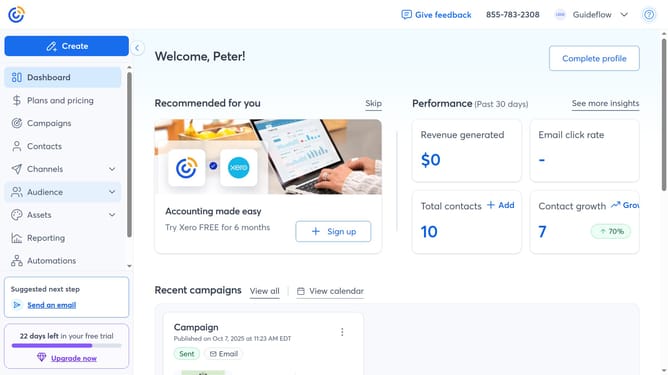
- First click on "Contacts" in the left sidebar menu
- Next click on the contact search filter dropdown in the top filter bar
- Click on the "State/Province" option from the dropdown menu
- In the Search bar at the top, type the state or province of the contact you want to find
- Then press Enter or click the search icon
- Finally matching contacts will appear below. You can click a contact’s name to view their details
Why should you search contacts by state or province in Constant Contact
Constant Contact is a versatile platform aimed at empowering businesses to effectively manage their email marketing efforts.
The feature that enables searching contacts by state or province within Constant Contact offers incredible ease in identifying and organizing your target audience based on their geographical location.
This capability allows for more personalized and location-based marketing campaigns, ensuring that your communications are not only relevant but resonate on a regional level.
Utilizing this feature promotes better engagement, fostering stronger connections with your audience and ultimately boosting your marketing success.
Last update