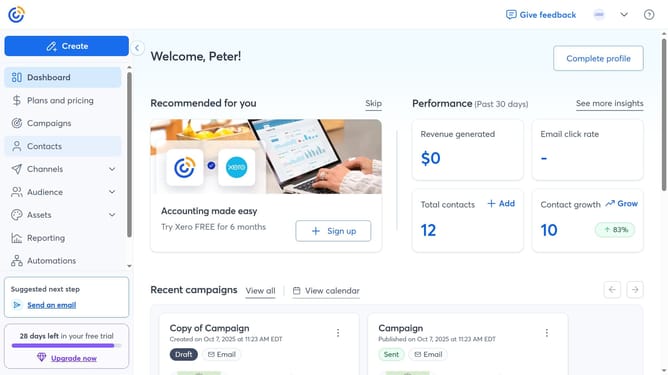
How to change your community screen name in Constant Contact
Here is how to change your community screen name in constant contact
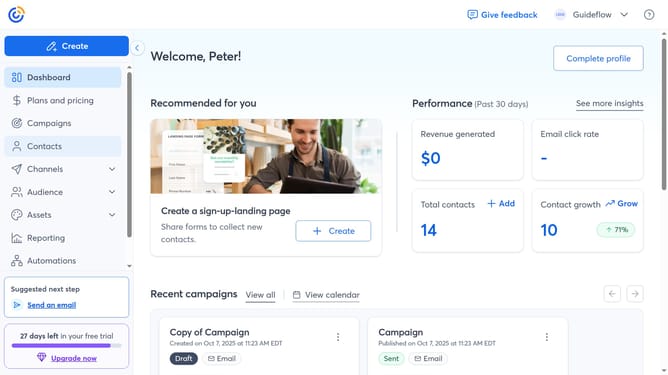
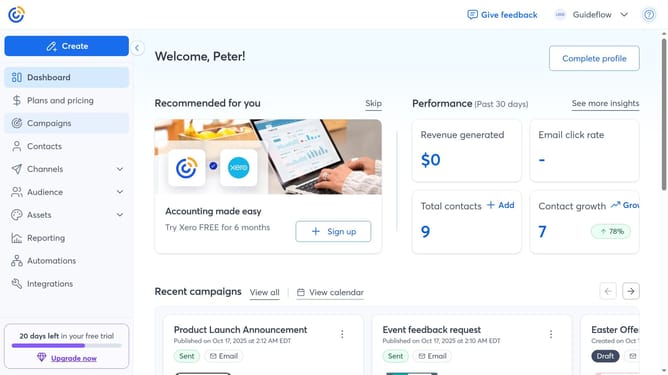
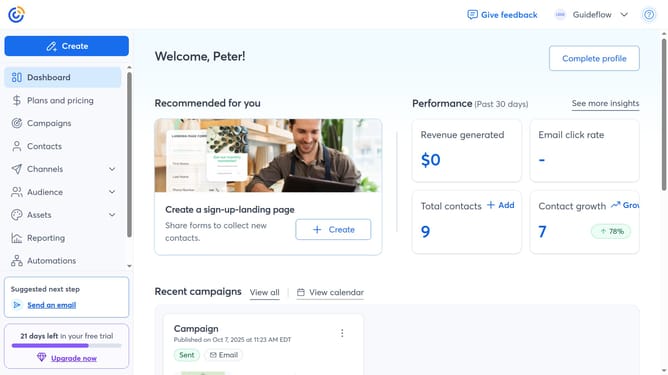
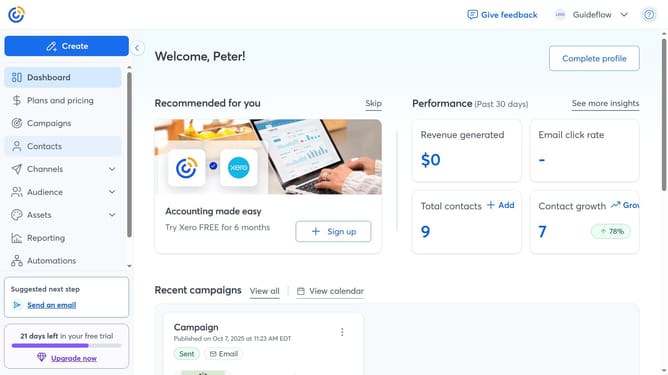
- First click on your profile name in the top navigation bar
- Click on "Settings" in the dropdown menu
- Next select "Account details" tab in the settings navigation menu
- Locate the Profile details section and click on the "Edit" button
- Locate and click the "Community screen name" field
- Then enter your new community screen name
- Finally click the “Save” button to confirm the change
Why should you change your community screen name in Constant Contact
Constant Contact is a dynamic platform designed to simplify email marketing and enhance audience engagement.
Changing your community screen name in Constant Contact allows you to maintain a distinct presence while interacting in forums and groups.
This feature is beneficial as it enables you to personalize your interactions, aligning your identity with your brand or personal style, thereby fostering a sense of credibility and recognition.
Ultimately, it enhances your networking experience by making it more cohesive and identifiable.
Last update