How to delete an individual contact from your account in Constant Contact
Here is how to delete an individual contact from your account in constant contact
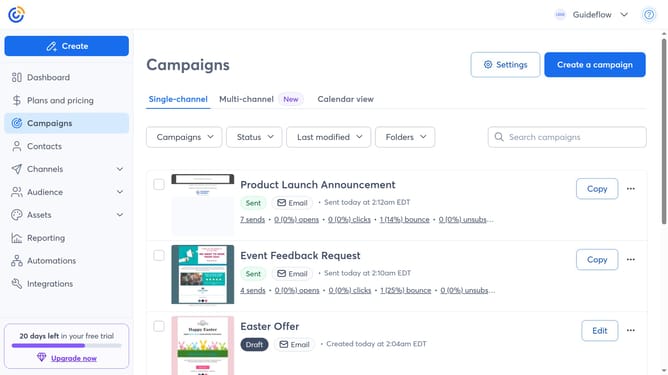
- First click on "Contacts" in the left sidebar menu
- Locate the contact you want to delete in the contacts list
- Next hover over the contact's name and click the "View details" icon
- Then click on the "More options" menu button in the contact details panel
- Click on the "Delete contact" option in the dropdown menu
- Finally click the "Delete contact" button in the confirmation dialog
Why should you delete an individual contact from your account in Constant Contact
Constant Contact is a powerful platform designed to streamline your email marketing efforts efficiently.
One key feature is the ability to delete an individual contact from your list. This offers you the flexibility to refine your audience, ensuring you're reaching out to only interested and engaged recipients.
By keeping your contact list up-to-date, you can enhance your engagement rates and improve the efficiency of your campaigns. This simple action promotes maintaining a clean and organized database, ultimately supporting your marketing goals.
Last update