How to bulk restore deleted campaigns in Constant Contact
Here is how to bulk restore deleted campaigns in constant contact
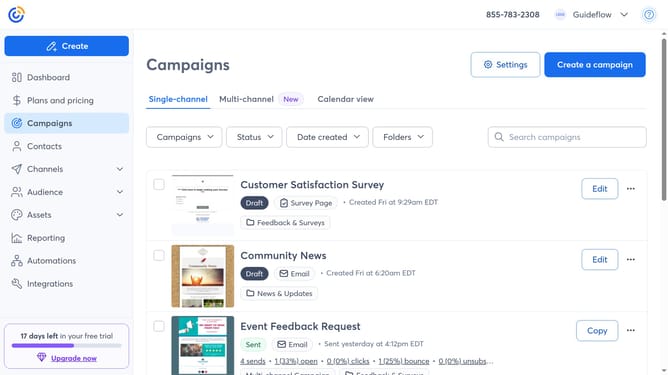
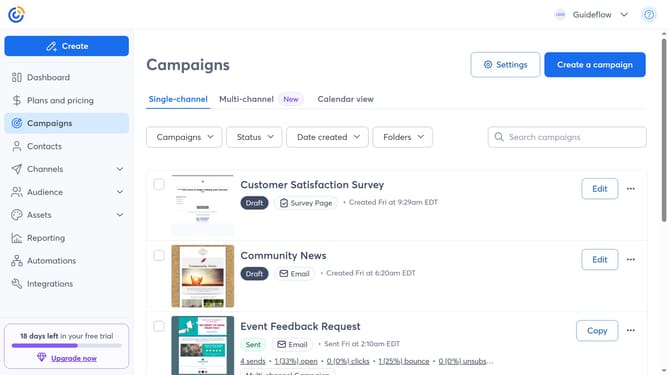
- First click on "Campaigns" in the left sidebar menu
- Next click on the "Status" dropdown filter in the campaigns list header
- Select "Deleted" from the status filter dropdown
- Then select the checkboxes next to each campaign you want to restore
- Next click the "Actions" dropdown that appears at the top
- Finally click "Restore" option from the Actions dropdown menu
Why should you bulk restore deleted campaigns in Constant Contact
Constant Contact is a robust email marketing tool designed to help businesses effortlessly manage and engage their audience.
One valuable feature is the ability to bulk restore deleted campaigns. This ensures that precious marketing efforts are never lost, allowing for a smooth recovery process.
Utilizing this feature provides peace of mind and efficiency, saving both time and resources. By quickly restoring campaigns, businesses maintain their momentum and keep their marketing strategies cohesive and on track.
Last update