How to search contacts by company name in Constant Contact
Here is how to search contacts by company name in constant contact
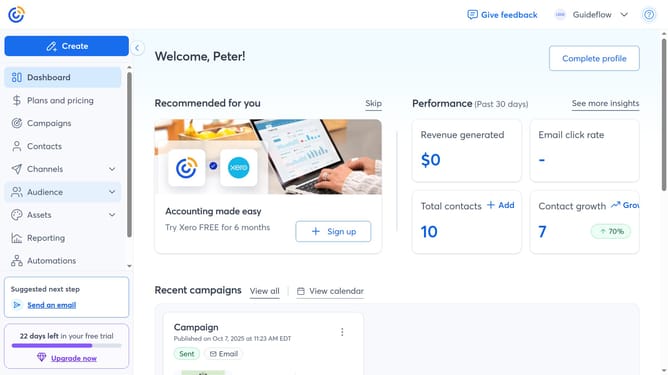
- First click on "Contacts" in the left sidebar menu
- Next click on the contact search filter dropdown in the top filter bar
- Select "Company name" from the dropdown menu
- In the Search bar at the top, type the company name of the contact you want to find
- Then press Enter or click the search icon
- Finally matching contacts will appear below. You can click a contact’s name to view their details
Why should you search contacts by company name in Constant Contact
Constant Contact is your go-to platform for effective email marketing and communication endeavors.
One of its standout features is the ability to search contacts by company name, an efficient tool for tailoring campaigns. This feature enhances precision marketing by allowing you to quickly locate and categorize contacts, ensuring messages reach the right audience.
Streamlining this search process saves time and boosts productivity, enabling you to focus on creating engaging content suited to specific industries or partnerships, which eventually leads to higher engagement and conversion rates.
Last update