How to archive a campaign in Constant Contact
Here is how to archive a campaign in constant contact
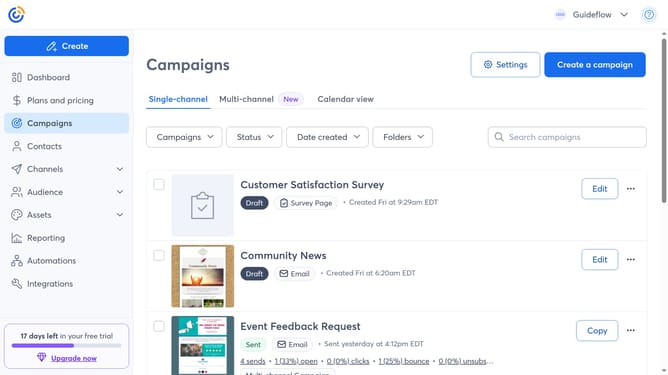
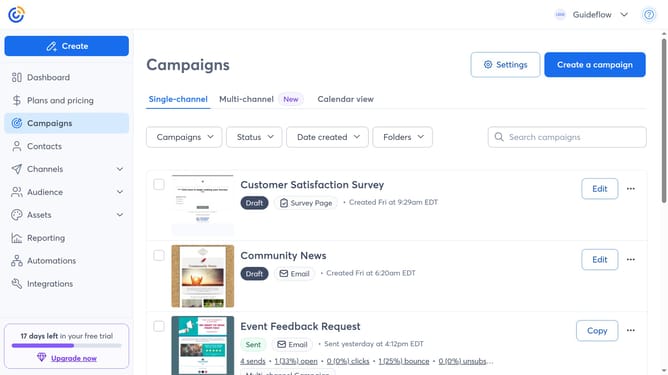
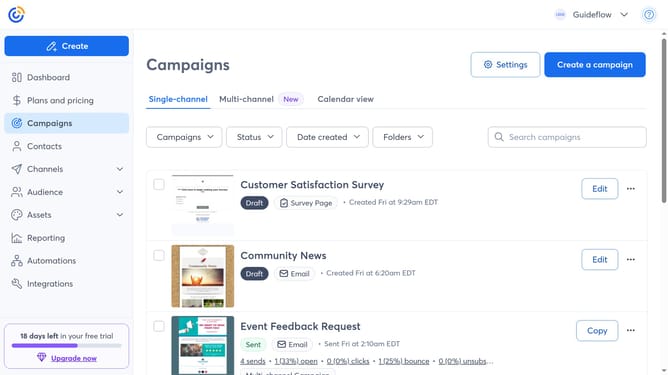
- First click on the "Campaigns" in the left sidebar menu
- Then find the sent campaign you want to archive from the campaign list
- Next click on the "More options" button (three dots menu) next to the campaign
- Finally click on "Add to archive" option from the dropdown menu
Why should you archive a campaign in Constant Contact
Constant Contact is an intuitive platform designed to streamline email marketing efforts for businesses of all sizes.
Archiving a campaign in Constant Contact is a smart feature that offers organizational ease and seamless management of past campaigns.
This feature ensures that your email marketing strategies remain streamlined, eliminating clutter while preserving valuable content for future reference.
Using this feature not only fosters better tracking and analytics but also enhances overall operational efficiency by keeping your workspace neatly organized.
Last update