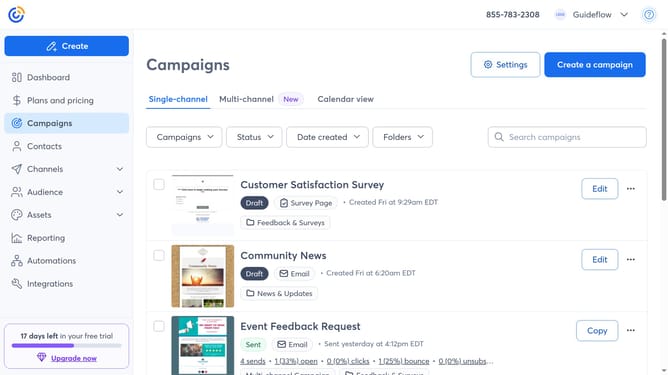
How to edit a custom contact field in Constant Contact
Here is how to edit a custom contact field in constant contact
- First click on "Contacts" in the left sidebar menu
- Next click on the "More options" button (three dots) in the top-right corner
- Click on "Manage custom fields" from the dropdown menu
- Then locate the custom contact field you want to edit
- Click on the "More options" button (three dots) next to the field
- Select "Edit field" from the dropdown menu
- In the edit modal dialog, update the field name and any other available options as needed
- Finally click on the "Save field" button at the bottom of the modal
Why should you edit a custom contact field in Constant Contact
Constant Contact is a powerful tool designed to simplify and enhance your email marketing efforts.
Editing a custom contact field in Constant Contact allows you to tailor your data collection to fit the unique needs of your audience and campaign strategy.
This feature provides the flexibility to modify information, ensuring it remains relevant and accurate.
Using it can lead to enhanced personalization, ultimately fostering stronger relationships with your contacts and improving overall campaign performance.
Last update