How to update your profile information in Constant Contact
Here is how to update your profile information in constant contact
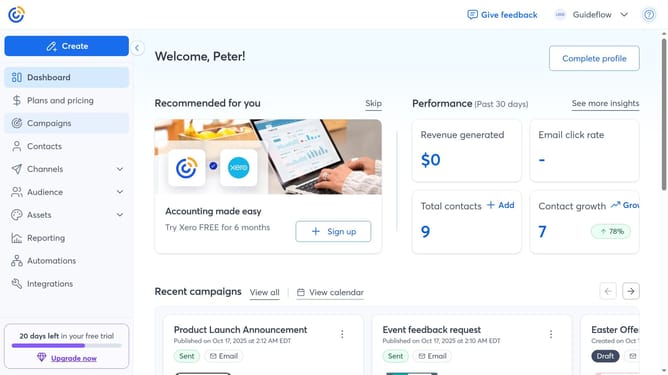
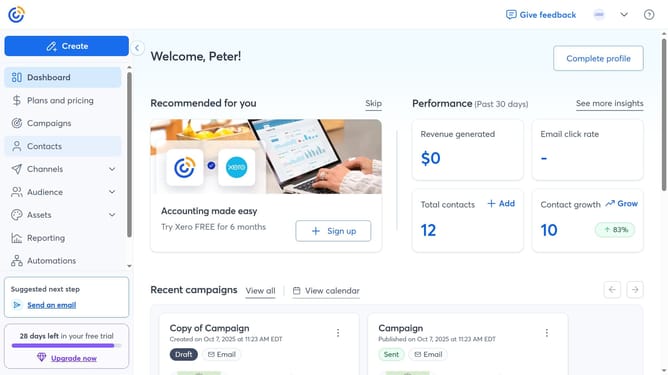
- First click on your profile name in the top navigation bar
- Click on "Settings" in the dropdown menu
- Next select "Account details" tab in the settings navigation menu
- Locate the Profile details section and click on the "Edit" button
- From the modal that appears, you can update your profile information, including first and last Name, Community Screen Name, and other details as needed
- Finally once you're done, click “Save” to apply your changes
Why should you update your profile information in Constant Contact
Constant Contact is a dynamic platform designed to enhance communication through effective email marketing.
One standout feature is the ability to update your profile information, ensuring your account remains accurate and relevant.
Keeping your profile current not only enhances your professional image but also optimizes your personalized marketing strategies.
By using this feature, you maintain control over your communication preferences, which contributes to more effective and meaningful interactions with your audience.
Last update