How to duplicate a contact list in Constant Contact
Here is how to duplicate a contact list in constant contact
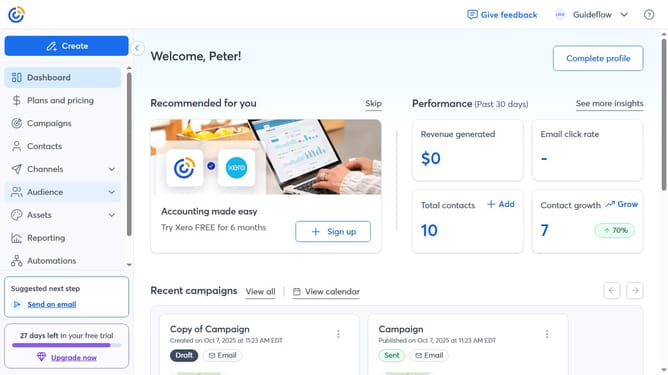
- First click on "Audience" in the left sidebar menu
- Next click on "Lists and segments" option in the audience submenu
- Find the contact list you want to duplicate
- Click the more options button (three dots) next to it
- Select the "Duplicate" option from the dropdown menu
- Then enter a name for the new duplicated list in the duplicate dialog
- Finally click the "Save" button to duplicate the list
Why should you duplicate a contact list in Constant Contact
Constant Contact is a powerful tool designed to streamline email marketing efforts for businesses of all sizes.
Duplicating a contact list in Constant Contact is a feature that enhances efficiency and organization.
By simply cloning an existing list, users can save valuable time and maintain consistency across campaigns, ensuring no contact is ever left out.
This ability to duplicate enhances strategic planning, allowing marketers to quickly adapt to changing needs without starting from scratch.
Last update