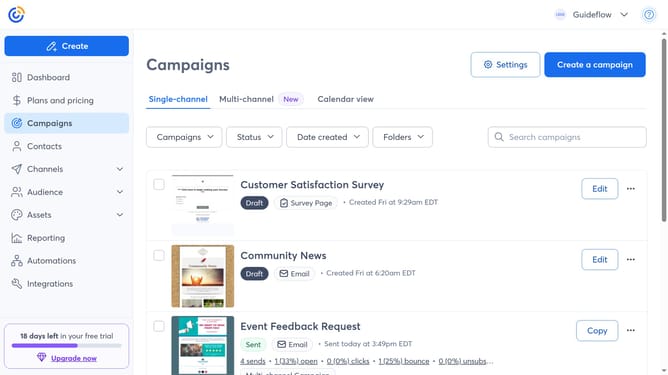
How to upload a document to your Library in Constant Contact
Here is how to upload a document to your library in constant contact
- First click on "Assets" in the left sidebar menu
- Next click on the "Library" submenu under Assets
- Click the "Upload" button in the top-right corner of the screen
- Select "My Computer" from the upload source options
- Drag and drop your document from your computer, or click "or browse your computer to upload"
- Next click on the document
- Then edit the file name, add a brief description, or add it to a Library folder
- When finished, click on the "Upload Files" button
- The document has been successfully uploaded. Click "Done" to return to your Library
Why should you upload a document to your Library in Constant Contact
Constant Contact is a powerful tool designed to elevate your email marketing campaigns and engagement efforts.
Uploading a document to your Library in Constant Contact streamlines the way you manage and share assets with your audience. By keeping all your important files in one accessible location, you can easily attach these documents to your emails and newsletters, ensuring that essential information reaches your recipients effortlessly.
This feature not only enhances organization but also significantly speeds up your workflow, allowing you more time to focus on creating meaningful connections with your audience.
Last update