How to create a campaign folder in Constant Contact
Here is how to create a campaign folder in constant contact
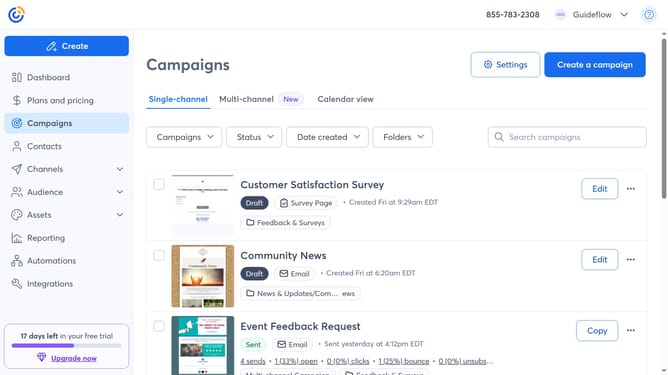
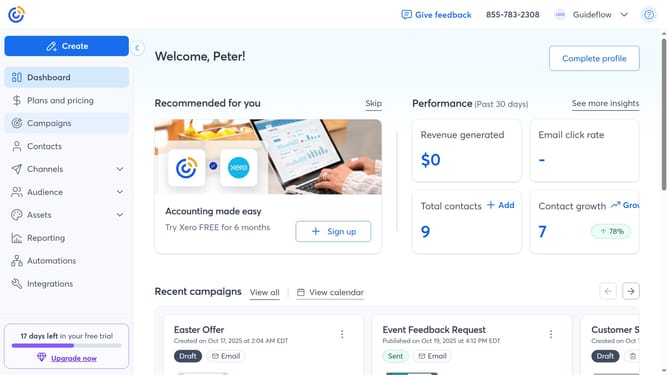
- First click on "Campaigns" in the left sidebar menu
- Next click on the "Folders" dropdown button
- Click on the "Manage folders" option in the folders dropdown menu
- Then click on the "New folder" button in the top-right corner of the Manage folders modal
- Enter a name for your new folder in the dialog box
- Finally click the "Add" button to create the new folder
Why should you create a campaign folder in Constant Contact
Constant Contact is a powerful tool for streamlining your email marketing efforts and enhancing customer engagement.
The feature of creating a campaign folder in Constant Contact allows users to organize their various marketing campaigns efficiently. By utilizing this feature, users can easily categorize emails, ads, and social media posts into distinct folders, ensuring a clutter-free workspace.
This organizational method not only saves time but also enhances productivity by providing quick access to critical information, ensuring a smooth and systematic marketing process.
Last update