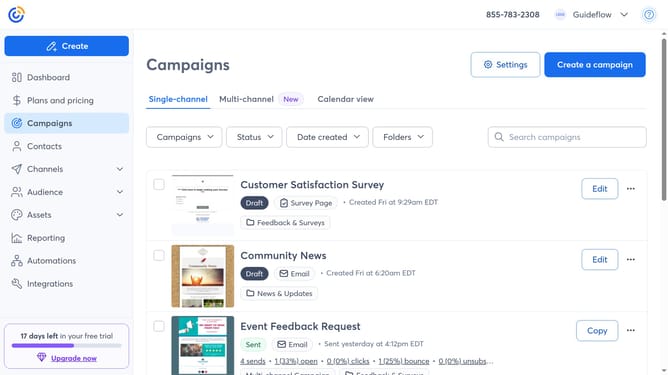
How to delete multiple campaigns at once in Constant Contact
Here is how to delete multiple campaigns at once in constant contact
- First, click on "Campaigns" in the left sidebar navigation menu
- Next select the checkboxes next to each campaign you want to delete
- Then click the "Actions" dropdown that appears at the top
- Finally, click on the "Delete" option in the Actions dropdown menu
Why should you delete multiple campaigns at once in Constant Contact
Constant Contact is a powerful platform designed to streamline email marketing efforts for businesses of all sizes.
One of its standout features is the ability to delete multiple campaigns at once, saving users valuable time and effort.
This feature allows marketers to efficiently manage their email lists by quickly removing outdated or irrelevant campaigns, ensuring the focus remains on current strategies.
By keeping your email campaigns organized, you maintain a clutter-free workspace and enhance focus on more significant business goals.
Last update