How to change your phone number in Constant Contact
Here is how to change your phone number in constant contact
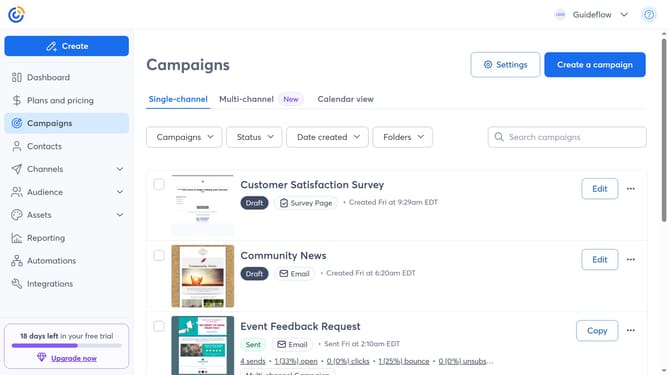
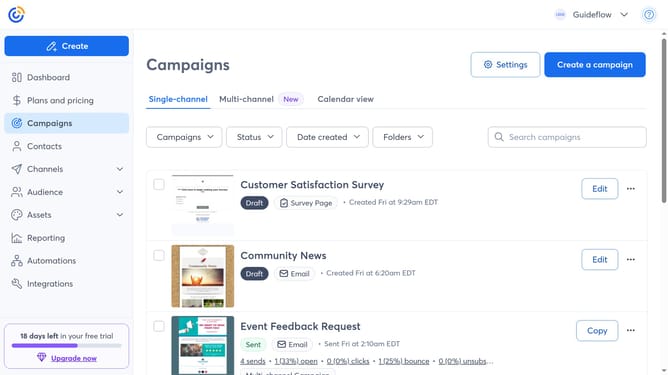
- First click on your profile name in the top navigation bar
- Click on "Settings" in the dropdown menu
- Next select "Account details" tab in the settings navigation menu
- Find the Profile details section and click on the "Edit" button
- In the Account details modal, locate the "Phone Number" field
- Then enter your new phone number
- Finally click the “Save” button to apply the changes
Why should you change your phone number in Constant Contact
Constant Contact is a dynamic platform designed to enhance your email marketing efforts, offering powerful tools for building and maintaining customer relationships.
Changing your phone number in Constant Contact is a straightforward feature that ensures your account always remains up-to-date and efficient.
This feature is essential as it guarantees that your contact information is current, improving communication with your audience and ensuring that you never miss an important update or notification.
Staying connected seamlessly with your clients and partners is one of the cornerstones of effective marketing, and keeping your contact details updated plays a critical role in that.
Last update