How to delete multiple contacts in Constant Contact
Here is how to delete multiple contacts in constant contact
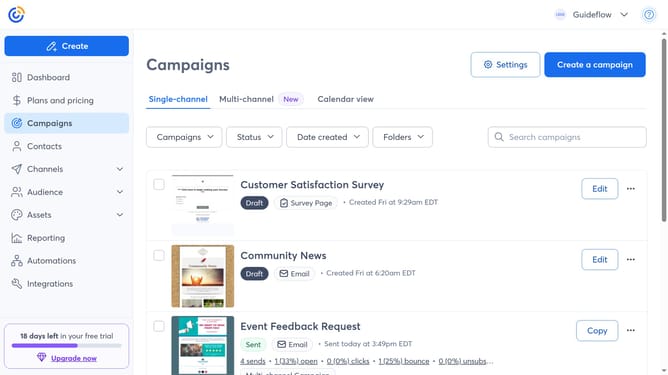
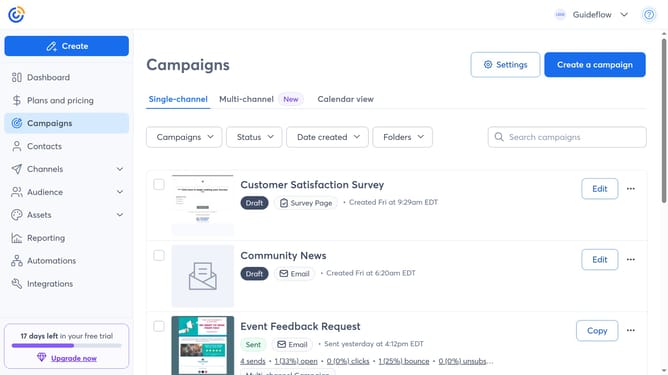
- First click on "Contacts" in the left sidebar menu
- Next select the checkboxes next to the contacts you want to delete
- Click on the "Actions" dropdown menu above the contact list
- Then select "Delete" option from the Actions dropdown menu
- Finally click the "Delete" button in the confirmation dialog to permanently remove the selected contacts
Why should you delete multiple contacts in Constant Contact
Constant Contact is a powerful platform designed to simplify email marketing and strengthen customer relationships.
One of its standout features is the ability to delete multiple contacts efficiently. This capability helps users maintain an organized and up-to-date contact list, ensuring communications reach the right audience.
The ease of managing contacts translates to more targeted campaigns and reduced email clutter, benefiting businesses by enhancing efficiency and focusing efforts on engaged subscribers.
Last update