How to update your business phone number in Constant Contact
Here is how to update your business phone number in constant contact
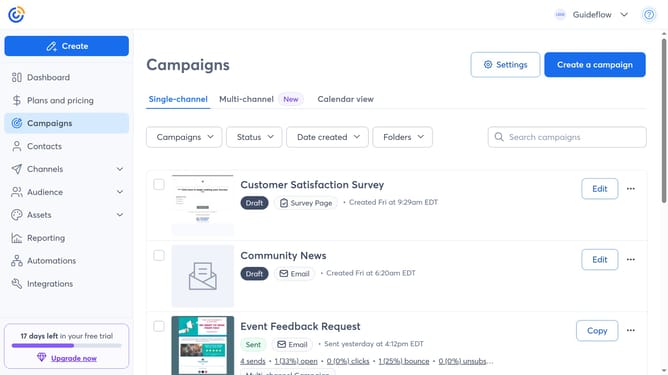
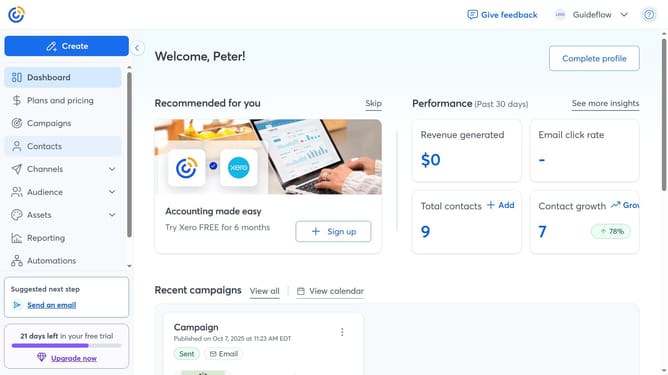
- First click on your profile name in the top navigation bar
- Click on "Settings" in the dropdown menu
- Next select "Account details" tab in the settings navigation menu
- Find the Business details section and click on the "Edit" button
- Locate the "Business phone number" field
- Then update it with your new number
- Finally click "Save" to confirm your changes
Why should you update your business phone number in Constant Contact
Constant Contact is a leading email marketing platform designed to help businesses engage and grow their customer base effectively.
Keeping your business phone number updated in Constant Contact is essential for maintaining seamless communication. This feature allows you to ensure that your contact details are always accurate and accessible.
Frequent updates can enhance your professional image, prevent miscommunication, and ensure that customers can reach you effortlessly.
By utilizing this feature, you strengthen trust and reliability with your audience.
Last update