How to view all your campaigns in Constant Contact
Here is how to view all your campaigns in constant contact
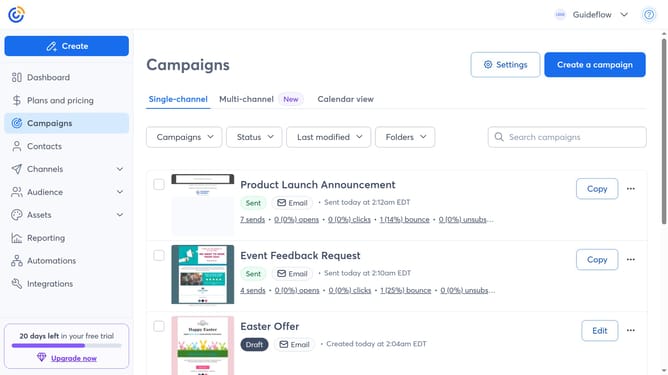
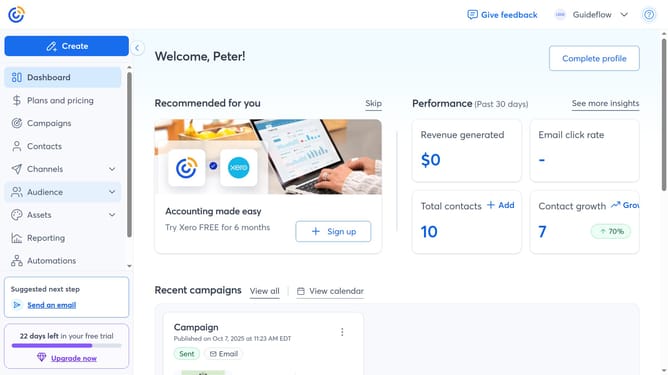
- First, click on “Campaigns” from the left sidebar menu
- Then you will now see all your campaigns, including drafts and sent ones
- Use the filters or search bar as needed to quickly find specific campaigns
Why should you view all your campaigns in Constant Contact
Constant Contact is a powerful tool designed to streamline your email marketing efforts.
By easily viewing all your campaigns in one place, you can efficiently manage your marketing strategies. This centralized view allows you to quickly check the status and performance of each campaign.
Being able to oversee all your campaigns provides valuable insights and clearer decision-making. This feature enhances productivity by keeping your marketing initiatives organized and on track.
Last update