How to update your business address in Constant Contact
Here is how to update your business address in constant contact
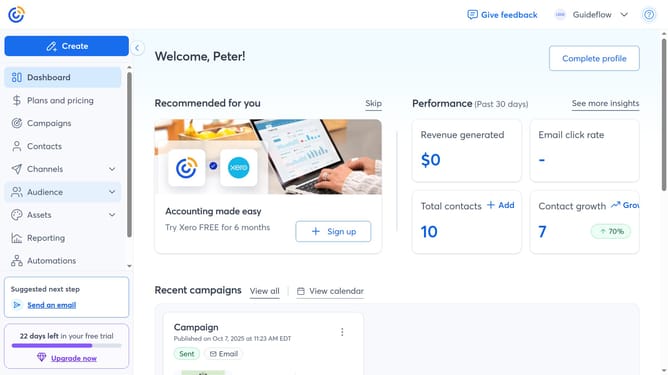
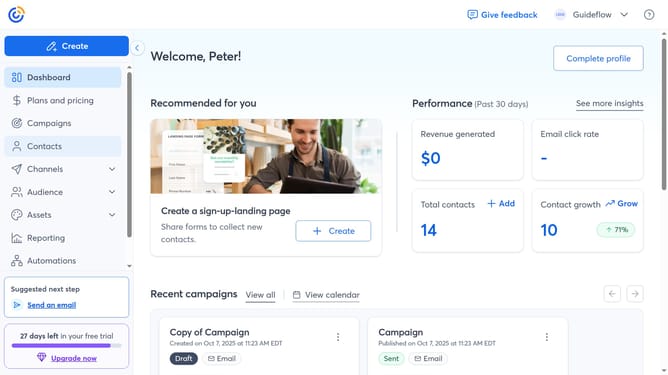
- First click on your profile name in the top navigation bar
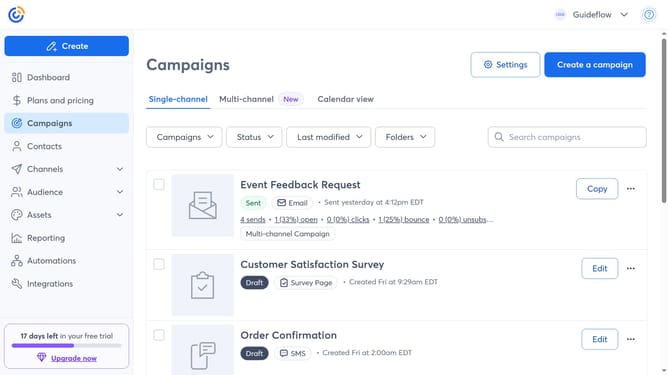
- Click on "Settings" in the dropdown menu
- Next select "Account details" tab in the settings navigation menu
- Find the Business details section and click on the "Edit" button
- In the modal that appears, locate the "Address" section and update your organization’s physical address
- Finally click the "Save" button to apply your changes
Why should you update your business address in Constant Contact
Constant Contact is a versatile marketing platform designed to simplify email campaigns.
Updating your business address in Constant Contact ensures that your contact information is always accurate and up-to-date. This feature simplifies keeping your audience informed about your current location effortlessly.
By always displaying the correct address, it maintains trust and avoids confusion with clients, reflecting professionalism and reliability.
Leveraging this feature could enhance brand credibility and improve customer relationships effortlessly.
Last update