How to export contacts in Constantcontact
Here is how to export contacts in constantcontact
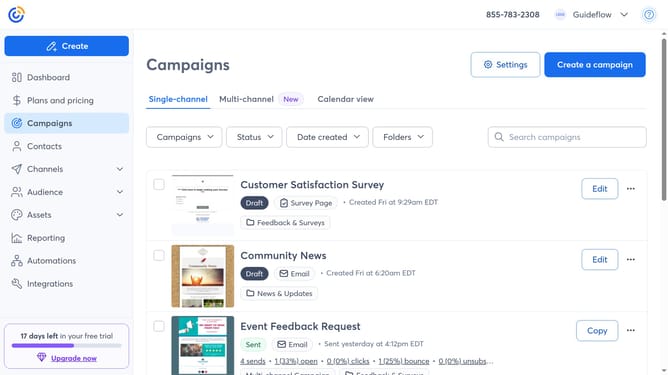
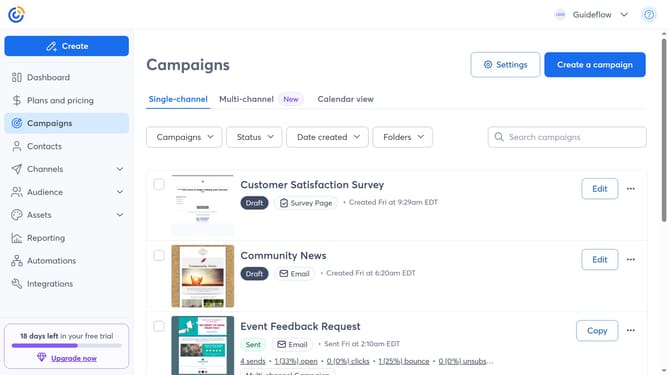
- First click on the "Contacts" in the left sidebar menu
- Next, click the checkboxes next to each contact you want to export
- Click on the "Actions" dropdown button in the top toolbar
- Then select "Export selection" from the dropdown menu
- In the export dialog, choose all the fields you want to include in your exported file
- Finally, click the "Export" button in the bottom right of the export dialog
- Once complete, you’ll see a confirmation message and the file will be available for download
- In the success banner, click “Download CSV” or “Download Excel” to save your spreadsheet
Why should you export contacts in Constantcontact
Constant Contact is a powerful tool for managing and optimizing your email marketing campaigns with ease.
The ability to export contacts in Constant Contact enhances your marketing flexibility and data management. This feature allows you to effortlessly back up your valuable contact lists, providing peace of mind and continuity.
By exporting contacts, you can streamline your strategies, analyze your audiences, and ensure your communications are always up to date across various platforms. It's a simple yet crucial aspect of maintaining robust and responsive email marketing efforts.
Last update