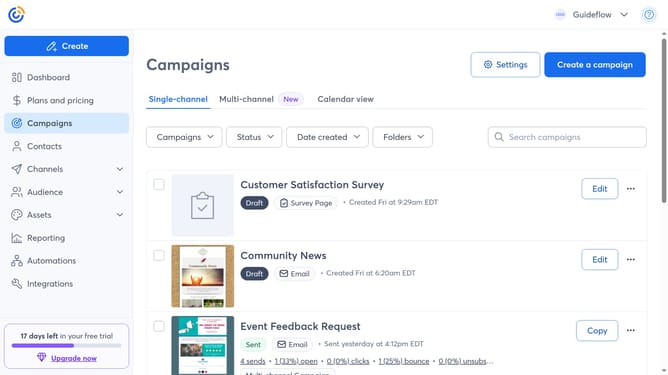
How to access the custom fields manager in Constant Contact
Here is how to access the custom fields manager in constant contact
- First click on "Contacts" in the left sidebar menu
- Next click on the "More options" menu button (three dots) in the top-right corner
- Then select "Manage custom fields" from the dropdown menu
- From here, you will see all existing custom contact fields, and you can create, edit, or delete them as needed
Why should you access the custom fields manager in Constant Contact
Constant Contact is a robust platform designed to simplify and enhance email marketing efforts.
Accessing the custom fields manager within Constant Contact allows users to tailor their contact management to fit unique business needs. This feature supports the creation and editing of custom fields, providing the flexibility needed to categorize and personalize communications effectively.
Using the custom fields manager boosts engagement by enabling targeted messaging, which can lead to more successful campaigns and stronger customer relations.
Last update