How to add your business website in Constant Contact
Here is how to add your business website in constant contact
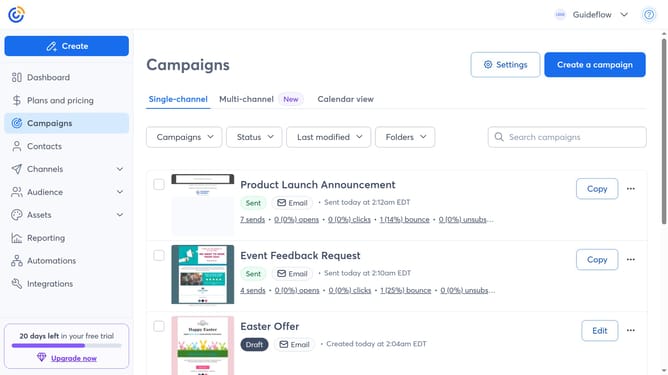
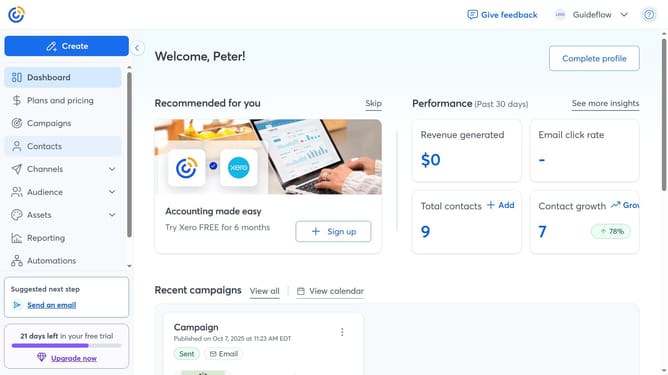
- First click on your profile name in the top navigation bar
- Click on "Settings" in the dropdown menu
- Next select "Account details" tab in the settings navigation menu
- Locate the Business details section and click on the "Edit" button
- In the modal that appears, locate the "Business website" field
- Then enter your website URL
- Finally click “Save” to apply the changes
Why should you add your business website in Constant Contact
Constant Contact is a dynamic platform designed to amplify your business's online presence through precise email marketing.
Incorporating your business website into Constant Contact can immensely empower your marketing strategy by centralizing your online assets.
This integration ensures that your audience can easily engage with your website, maximizing engagement, driving traffic, and enhancing your brand's overall digital visibility.
Ultimately, this feature offers a seamless way to streamline communication and elevate your business’s online impact.
Last update