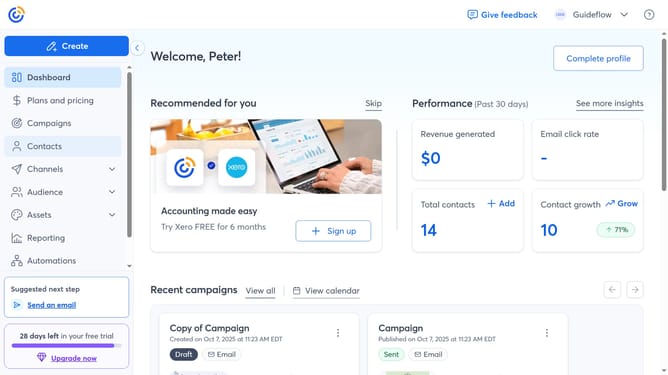
How to update your organization’s industry in Constant Contact
Here is how to update your organization’s industry in constant contact
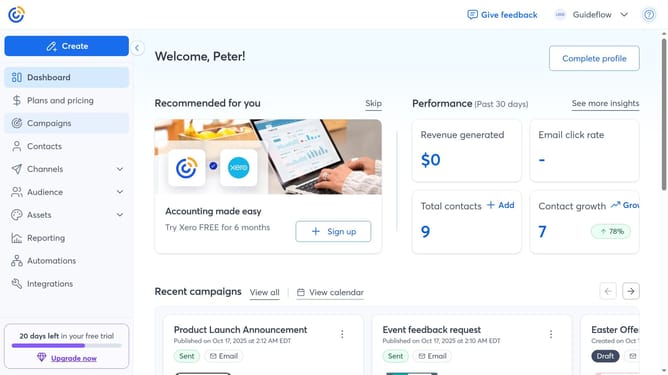
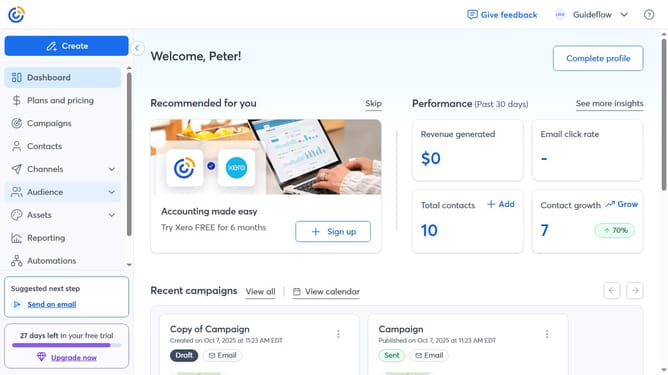
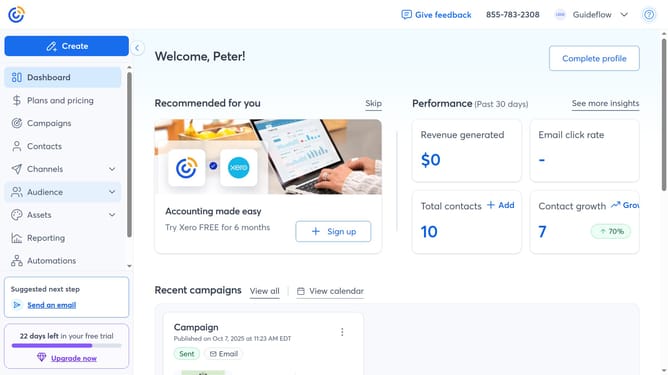
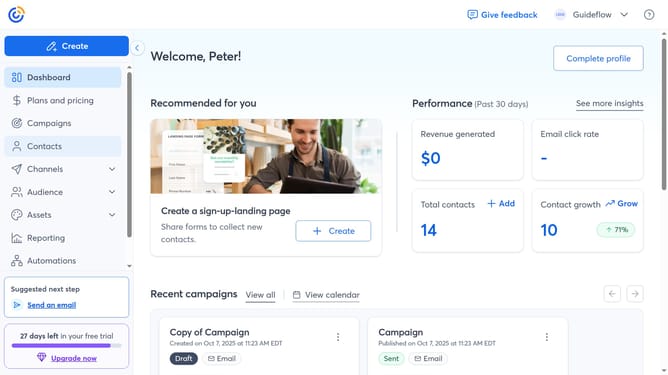
- First click on your profile name in the top navigation bar
- Click on "Settings" in the dropdown menu
- Next select "Account details" tab in the settings navigation menu
- Locate the Business details section and click on the "Edit" button
- In the modal that appears, locate the "Industry" field
- Then type your new organization’s industry directly in the field
- Another option is to choose from the suggested options provided
- Finally click "Save" to apply the changes
Why should you update your organization’s industry in Constant Contact
Constant Contact is a powerful email marketing tool designed to simplify and enhance communication strategies for businesses.
Updating your organization’s industry in Constant Contact ensures that your campaigns are perfectly tailored to your target audience, increasing engagement and effectiveness.
This feature helps in aligning your marketing efforts with industry-specific trends, enabling more precise segmentation and better analytics.
By keeping your industry information current, you can leverage the full potential of Constant Contact for optimized marketing success.
Last update