How to rename a contact list in Constant Contact
Here is how to rename a contact list in constant contact
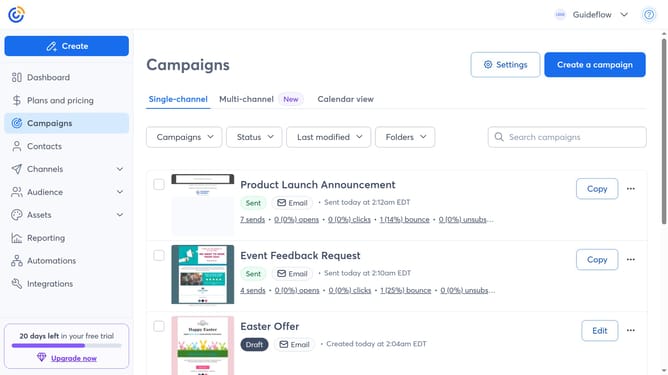
- First, click on the "Audience" item in the left sidebar menu
- Next click on the "Lists and segments" option in the Audience submenu
- From the table of lists, locate the contact list you want to rename
- Click the more options button (three dots) next to the list
- Select the "Rename" option from the dropdown menu
- Then type the new name for your contact list
- Finally, click the "Save" button to confirm the list name change
Why should you rename a contact list in Constant Contact
Constant Contact is a versatile platform designed to simplify and enhance your email marketing efforts.
Renaming a contact list within Constant Contact enables you to maintain clear and organized communication. It allows you to instantly identify and manage your lists with ease.
By giving meaningful names to your contact lists, you can improve campaign targeting and boost engagement. This simple yet effective feature ensures your marketing strategy remains efficient and focused.
Last update