How to search contacts by job title in Constant Contact
Here is how to search contacts by job title in constant contact
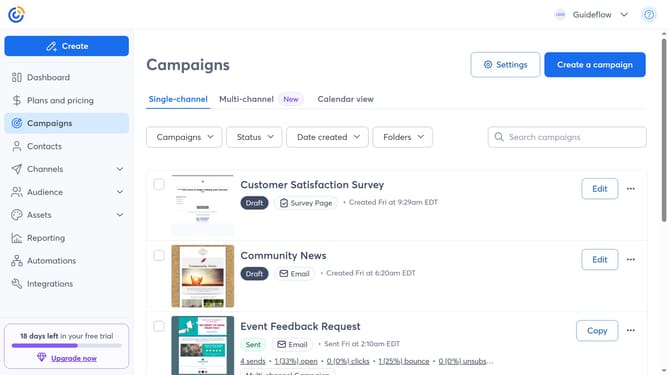
- First click on "Contacts" in the left sidebar menu
- Next click on the contact search filter dropdown in the top filter bar
- Select the "Job title" option from the dropdown menu
- In the Search bar at the top, type the job title of the contact you want to find
- Then press Enter or click the search icon
- Finally matching contacts will appear below. You can click a contact’s name to view their details
Why should you search contacts by job title in Constant Contact
Constant Contact is a leading marketing platform designed to streamline your email campaigns with ease.
One powerful feature is the ability to search contacts by job title, offering a direct path to connect with your target audience.
Utilizing this feature allows you to efficiently segment and tailor your communication, enhancing relevance and engagement.
By focusing on specific job roles, your campaigns become more precise, boosting both open rates and conversion success.
Last update