How to resend an email campaign in Constant Contact
Here is how to resend an email campaign in constant contact
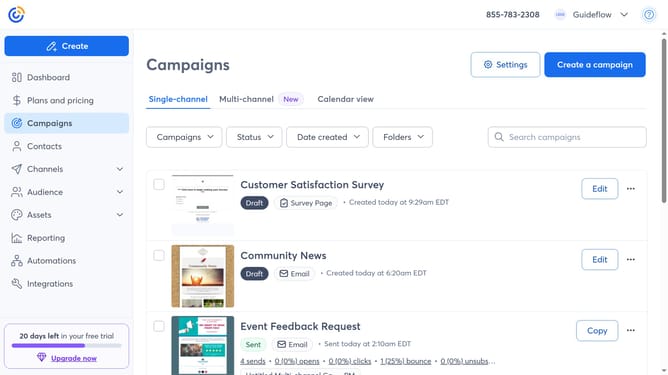
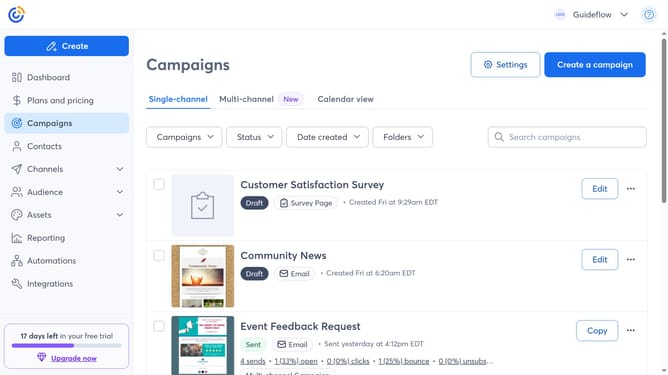
- First click on "Campaigns" in the left sidebar
- Find the sent campaign you want to resend from the campaign list
- Next click the "more options" menu (three dots) button next to it
- Select "Resend" from the dropdown menu
- Then choose one of the options in the resend dialog such as "Send to new contacts", "Resend to non-openers" or "Edit and send again"
- Choose the contacts or lists you want to send the campaign to
- You can also edit the physical address and email settings if needed
- Next click on the "Send Now" button in the top right corner
- Finally click the "Send Now" confirmation button in the popup dialog
Why should you resend an email campaign in Constant Contact
Constant Contact is a powerful tool designed to enhance email marketing efforts for businesses of all sizes.
The ability to resend an email campaign in Constant Contact ensures that your message reaches more of your audience by targeting those who may have missed it the first time. This feature helps in improving engagement and open rates by giving your subscribers another chance to interact with your content.
By resending emails to non-openers, businesses can maximize their outreach potential, making the most of their marketing strategies and driving better results.
Last update