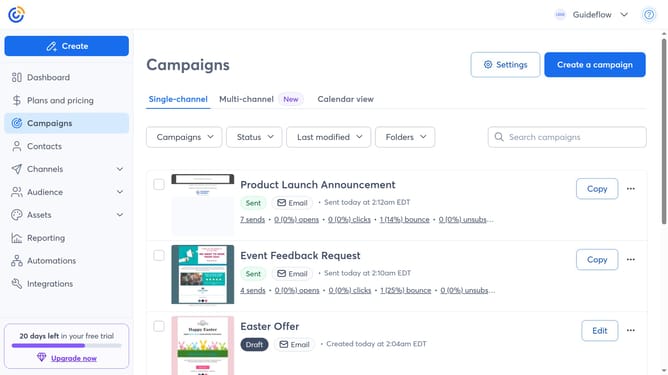
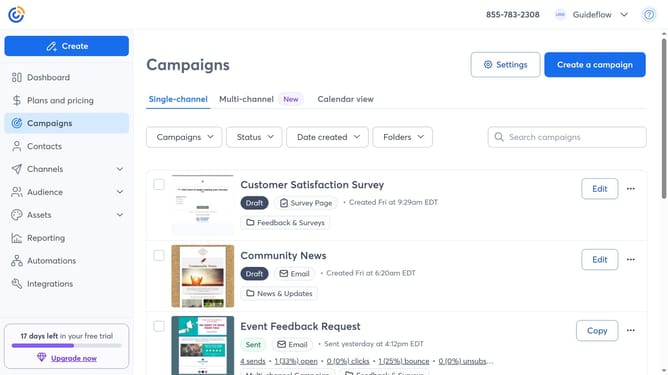
How to update your default from name in Constant Contact
Here is how to update your default from name in constant contact
- First click on your profile name in the top navigation bar
- Click on "Settings" in the dropdown menu
- Next select "Account details" tab in the settings navigation menu
- Scroll down to the "Other settings" section
- Find the Email settings and click on the "Edit" button
- In the Email settings modal that appears, locate the "Default from name" field
- Then enter your new From Name
- Finally click the "Save" button to apply the change
Why should you update your default from name in Constant Contact
Constant Contact is a robust marketing platform designed to simplify email communication.
Updating your default "From" name in Constant Contact subtly refines the professional image of your emails.
Ensure that recipients immediately recognize your messages, enhancing brand trust and open rates.
This straightforward feature empowers your marketing strategy by aligning every aspect of your outreach with your brand identity.
Last update