How to update your business name in Constant Contact
Here is how to update your business name in constant contact
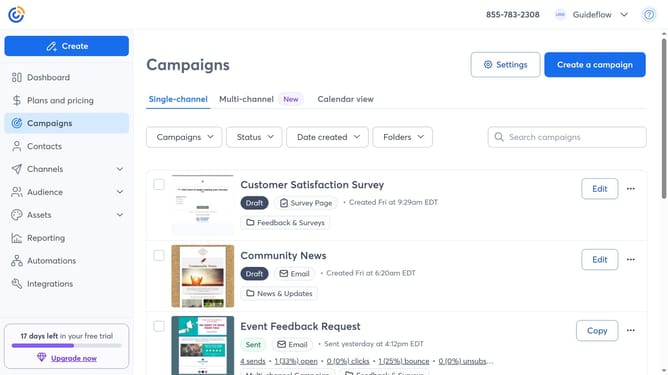
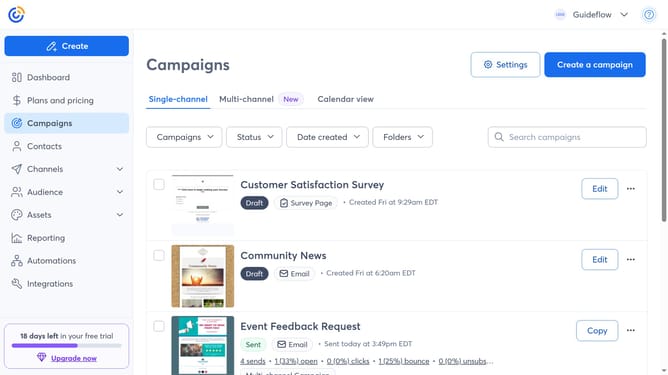
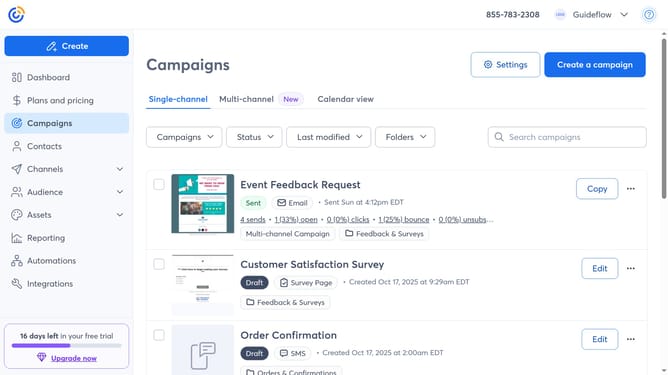
- First click on your profile name in the top navigation bar
- Click on "Settings" in the dropdown menu
- Next select "Account details" tab in the settings navigation menu
- Locate the Business details section and click on the "Edit" button
- In the modal that appears, locate the "Business name" field
- Then enter your new business name in the field
- Finally click "Save" to apply the changes
Why should you update your business name in Constant Contact
Constant Contact is a dynamic platform designed to simplify email marketing and manage customer relationships effectively.
Updating your business name in Constant Contact is a powerful feature that enhances brand consistency across all communications. Ensuring your business name is current and consistent helps maintain a professional appearance and fosters trust with your audience.
This feature supports better brand recognition, allowing customers to quickly identify your messages, enhancing engagement and promoting a strong business identity.
Last update