How to view contacts report in Constant Contact
Here is how to view contacts report in constant contact
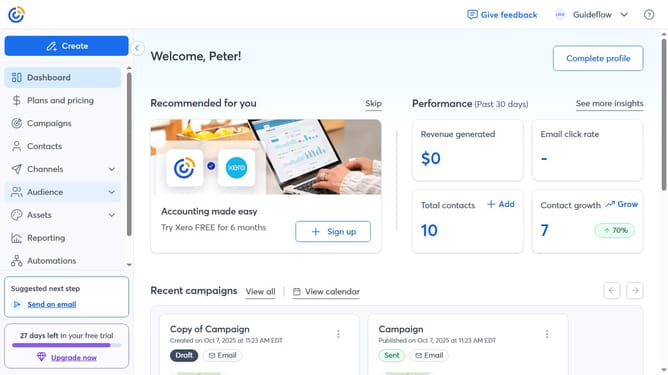
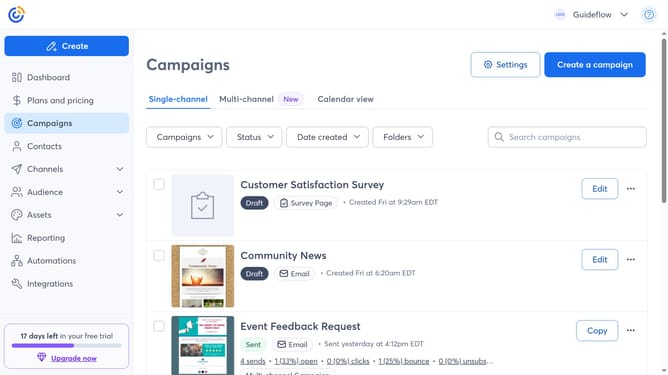
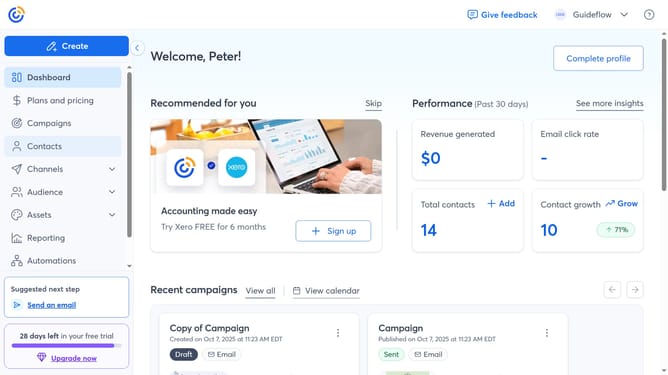
- First click on "Contacts" in the left sidebar menu
- Next click on the "More options" button (three dots) in the top-right corner of the Contacts page
- Next select "View contacts report" from the dropdown menu
- Finally you’ll see a list of available contacts reports, and you can use filters or date ranges to customize the data shown in the report
Why should you view contacts report in Constant Contact
Constant Contact is a versatile platform designed to elevate your email marketing efforts.
Efficiently viewing your contacts report is a vital feature that allows you to gain insights into your audience. This feature provides a clear understanding of user engagement and demographics.
By using the contacts report, you can tailor your campaigns with data-driven decisions, enhancing personalization and ultimately improving response rates. It's a strategic advantage in optimizing your marketing strategy.
Last update