How to view all your contact lists in Constant Contact
Here is how to view all your contact lists in constant contact
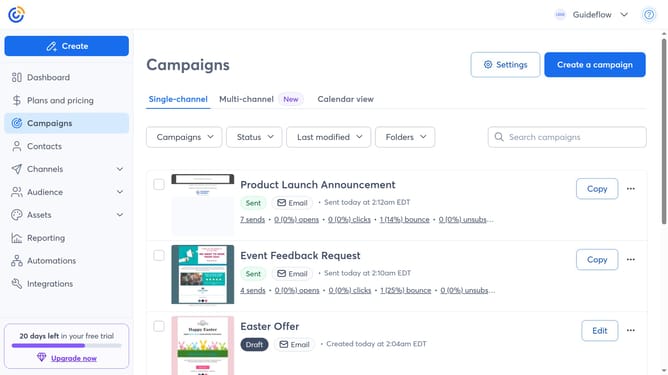
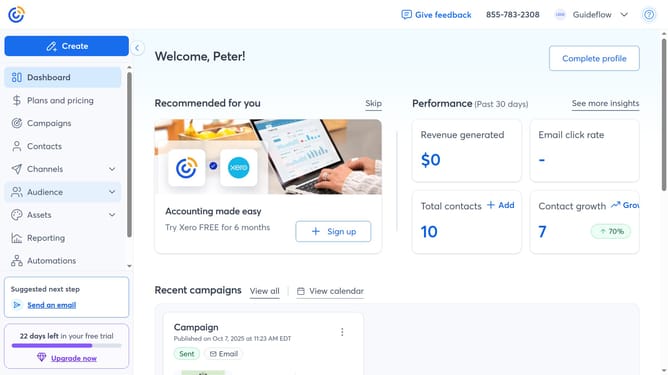
- First click on "Audience" in the left sidebar
- Then select "Lists and segments" in the expanded Audience menu
- From here, you’ll see all your contact lists, and you can manage them as needed
Why should you view all your contact lists in Constant Contact
Constant Contact is a robust platform designed to help you manage your email marketing with ease.
The ability to view all your contact lists in Constant Contact is a game-changer for organization and efficiency.
With a few clicks, you gain a comprehensive overview of your connections, allowing you to segment your audience effectively.
This feature ensures that you can continuously refine your outreach strategies, fostering stronger relationships with tailored content. Clear insights promote better communication and help you remain focused on your marketing goals.
Last update