How to sort campaigns in Constant Contact
Here is how to sort campaigns in constant contact
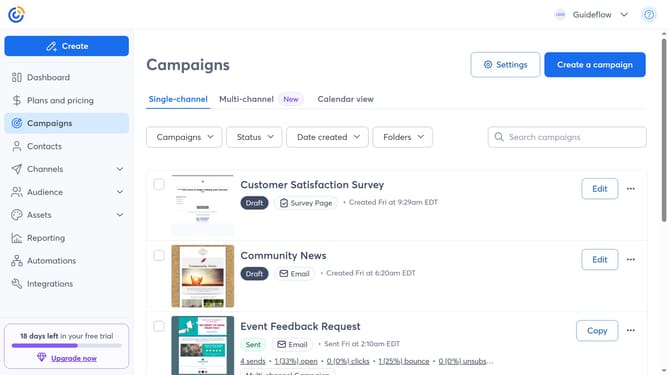
- First click on "Campaigns" in the left sidebar menu
- Next click on the Sort by dropdown at the top of the campaigns list
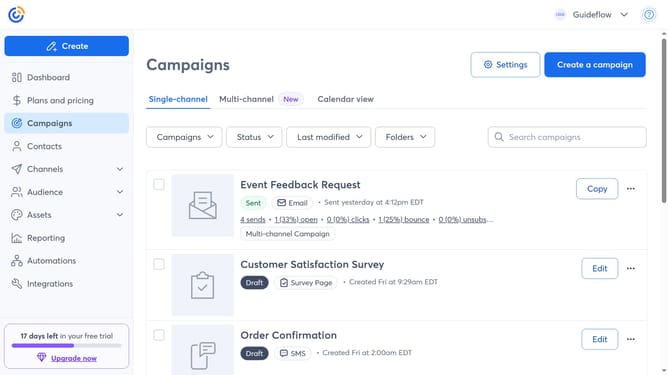
- Then choose your preferred sorting option from the menu
- The campaigns list will now show the campaigns in the order you selected
Why should you sort campaigns in Constant Contact
Constant Contact is a leading platform designed to streamline email marketing efforts effortlessly.
One of its advantageous features is the ability to sort campaigns effectively. With sorting capabilities, you can quickly filter through your campaigns based on various criteria, ensuring optimal organization.
This feature enhances efficiency by allowing users to locate specific campaigns swiftly, facilitating better analysis and strategic planning.
Ultimately, sorting campaigns promotes a more streamlined workflow, saving time and boosting productivity.
Last update