How to filter campaigns by sent status in Constant Contact
Here is how to filter campaigns by sent status in constant contact
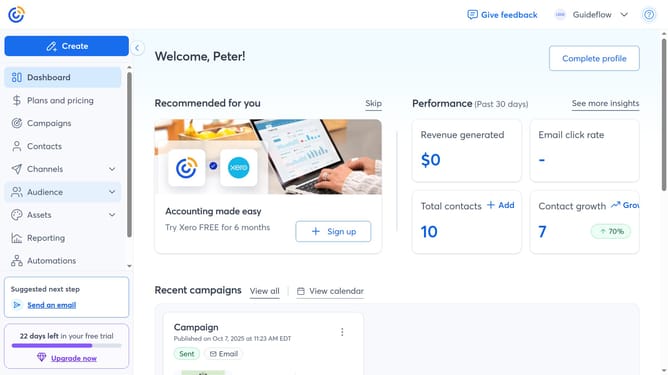
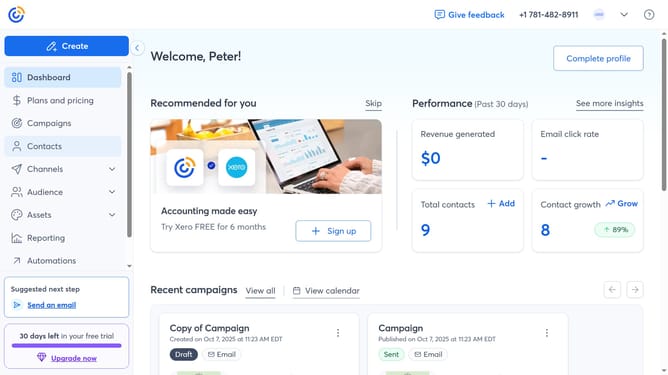
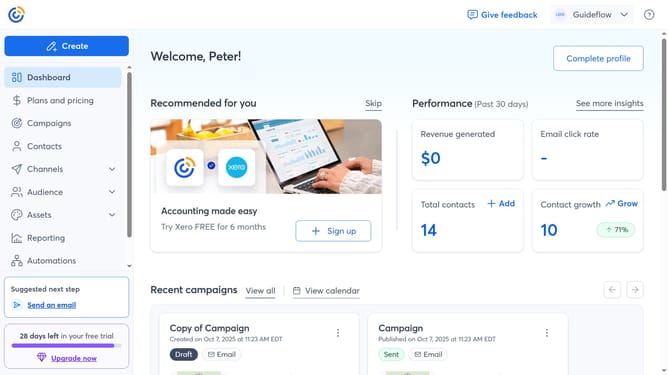
- First click on the "Campaigns" in the left sidebar menu
- Next click on the "Status" dropdown filter in the top filter bar
- Then select "Sent" option from the Status dropdown menu
- The campaigns list will now display only the sent campaigns
Why should you filter campaigns by sent status in Constant Contact
Constant Contact is a robust platform designed to streamline email marketing efforts for businesses of all sizes.
One of its invaluable features is the ability to filter campaigns by sent status, empowering users to efficiently manage and track their marketing efforts.
By utilizing this feature, you can quickly identify which campaigns have been successfully delivered, ensuring your messages reach the intended audience and optimizing future engagement strategies.
This capability not only saves time but also enhances strategic planning by providing clear insights into campaign performance.
Last update