How to merge two contact lists in Constant Contact
Here is how to merge two contact lists in constant contact
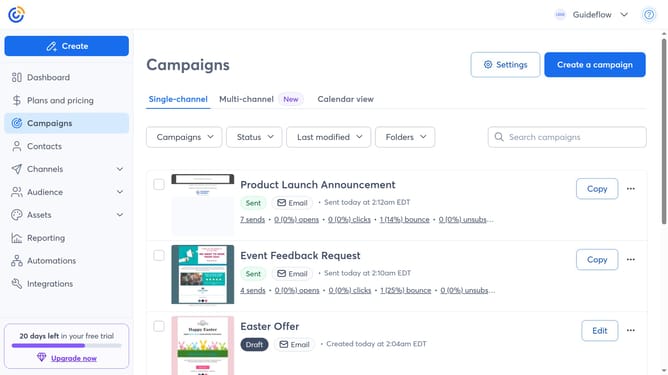
- First click on "Audience" in the left sidebar menu
- Next click on "Lists and segments" in the expanded Audience menu
- Find and select the checkboxes next to the two contact lists you want to merge together
- Click on the "Actions" button in the list header bar
- Then click on "Merge" option in the Actions dropdown menu
- In the merge dialog, click into the "Search lists" field
- Select the name of the list you want to merge contacts into from the dropdown menu
- Finally click the "Add" button to finalize the action
Why should you merge two contact lists in Constant Contact
Constant Contact is a versatile tool designed to streamline your email marketing efforts and build a stronger connection with your audience.
One of its standout features is the ability to effortlessly merge contact lists. This ensures all your contacts are organized, eliminating duplicate entries and making your campaigns more efficient.
By merging contact lists, you can target your marketing more effectively, ensuring the right message reaches the right people, and ultimately optimizing your engagement and conversion rates.
Last update