How to rename a campaign folder in Constant Contact
Here is how to rename a campaign folder in constant contact
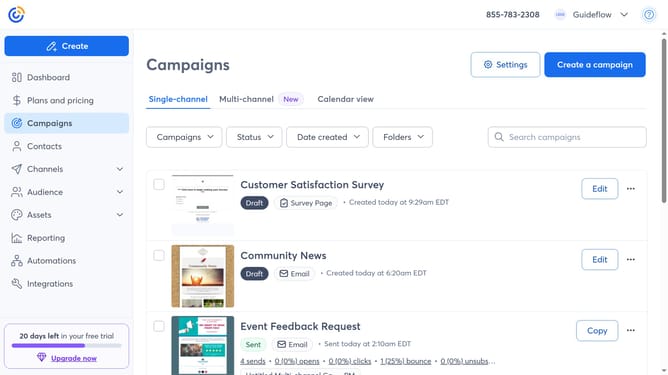
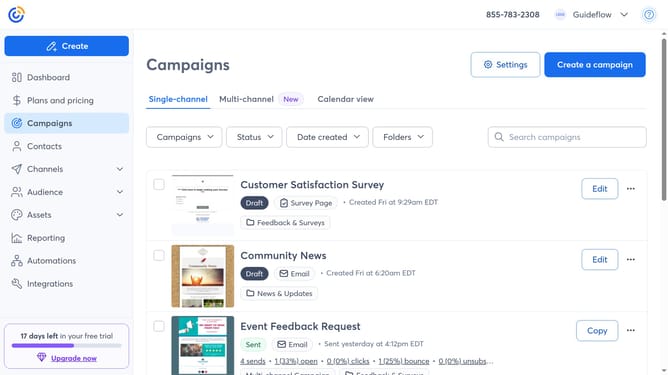
- First navigate to "Campaigns" from the left sidebar
- Next click on the "Folders" dropdown button in the top filters bar
- Select "Manage folders" from the folders dropdown menu
- Find the folder you want to rename in the folders list
- Click on the "More options" button (three dots) next to the folder
- Select "Rename" from the dropdown menu
- Then enter the new folder name in the folder name input field
- Finally click the "Confirm" button to save the new folder name
Why should you rename a campaign folder in Constant Contact
Constant Contact is a powerful tool designed for effortless management of email marketing campaigns.
Renaming a campaign folder in Constant Contact streamlines organization and enhances accessibility, ensuring that users can quickly locate specific campaigns with ease.
This feature allows you to maintain a clear overview of your marketing activities, making it simpler to track performance and refine strategies.
Ultimately, renaming folders contributes to a more efficient workflow, saving time and minimizing confusion.
Last update