How to delete a campaign in Constant Contact
Here is how to delete a campaign in constant contact
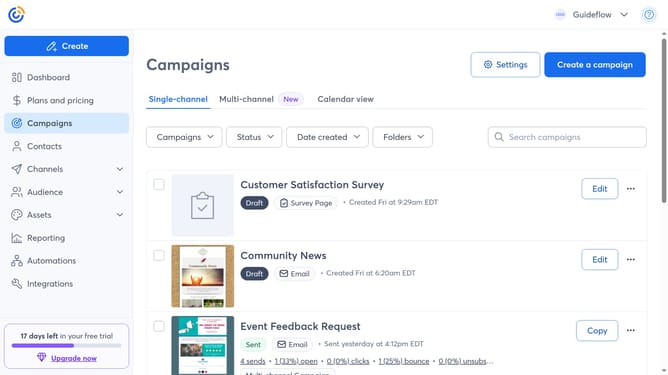
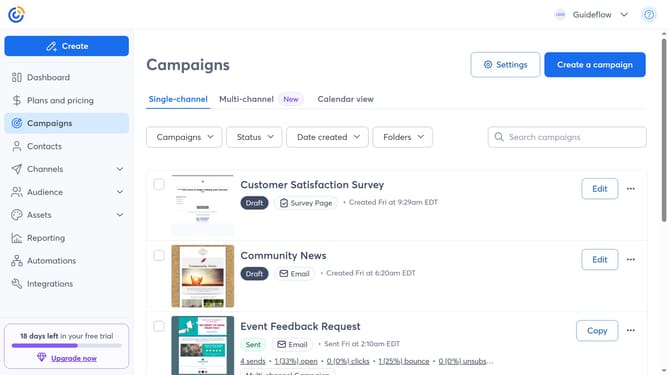
- First click on "Campaigns" in the left sidebar menu
- Find the campaign you want to delete from the campaign list
- Next click on the "More options" button (three dots menu) next to the campaign
- Then click on the "Delete" option in the dropdown menu
- Finally click the "Delete" button in the confirmation dialog
Why should you delete a campaign in Constant Contact
Constant Contact is a versatile tool designed for effective email marketing and online campaigns.
The ability to delete a campaign in Constant Contact ensures a streamlined and organized workspace. Removing outdated or unnecessary campaigns not only simplifies navigation but also improves efficiency by focusing only on current strategies.
This feature allows users to maintain a tidy campaign list, eliminate clutter, and enhance productivity. It's an excellent way to ensure that all marketing efforts are purposeful and relevant.
Last update