How to access the Library in Constant Contact
Here is how to access the library in constant contact
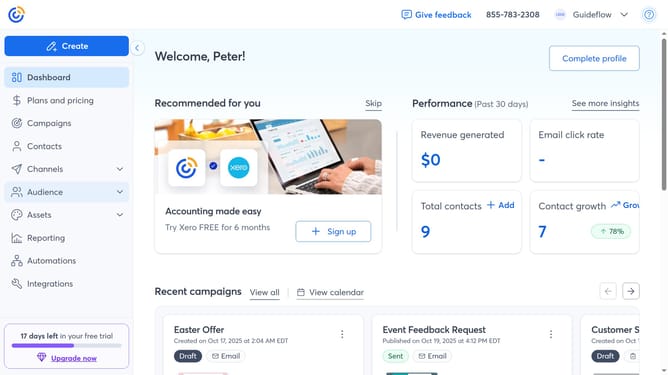
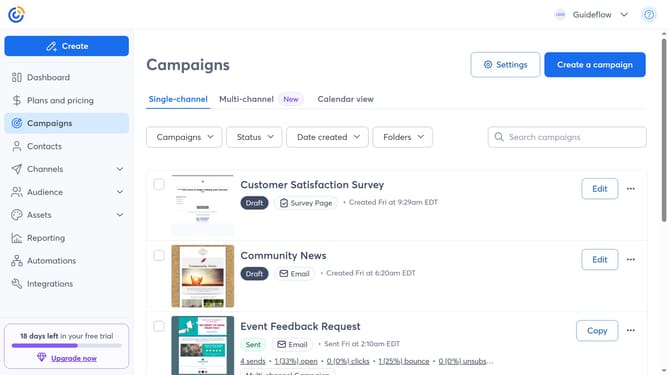
- First click on "Assets" in the left sidebar menu
- Then click on "Library" in the expanded Assets submenu
- The Library page will open, displaying all your uploaded images and documents
Why should you access the Library in Constant Contact
Constant Contact is a dynamic platform designed to simplify email marketing and elevate engagement.
Accessing the Library in Constant Contact is intuitive, offering a centralized hub where all your digital assets reside. This feature serves as the foundation for organizing your media in one convenient place.
By utilizing the Library, users can efficiently manage images, documents, and other materials, ensuring smoother creating and sharing processes. This not only saves time but also enhances the overall effectiveness of marketing campaigns.
Last update