How to view import errors in Constant Contact
Here is how to view import errors in constant contact
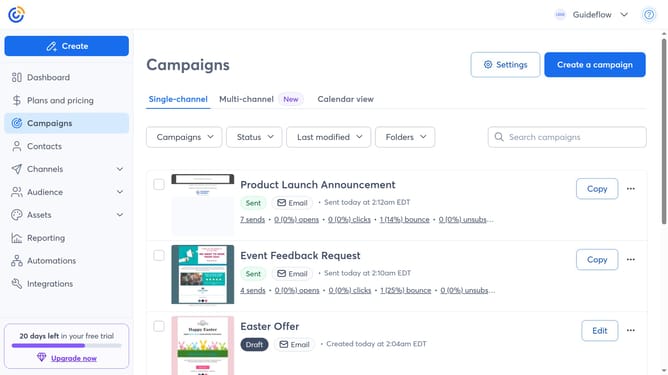
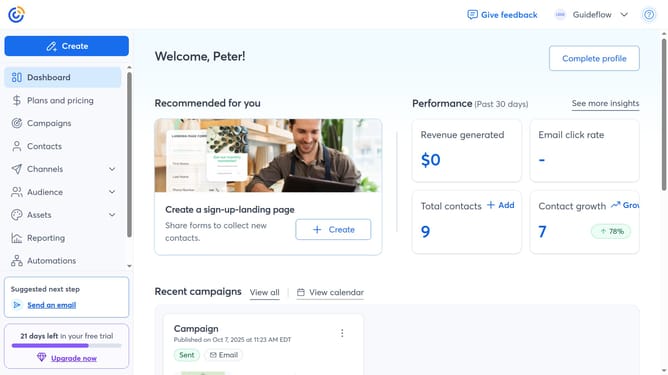
- First click on "Contacts" in the left sidebar menu
- Next click on the "More options" button (three dots icon) in the top-right corner
- Next select "View import errors" from the dropdown menu
- Finally you will see all import errors, if there are any but if not, the list will be empty
Why should you view import errors in Constant Contact
Constant Contact is a robust platform designed to simplify email marketing for businesses of all sizes.
One of its invaluable features is the ability to view import errors directly within the platform. This feature ensures that any issues encountered during the import process are easily identifiable, allowing for efficient problem resolution.
By using this feature, users can maintain clean and accurate contact lists, which is crucial for effective email campaigns. Ultimately, it contributes to higher engagement rates and improved customer communication.
Last update