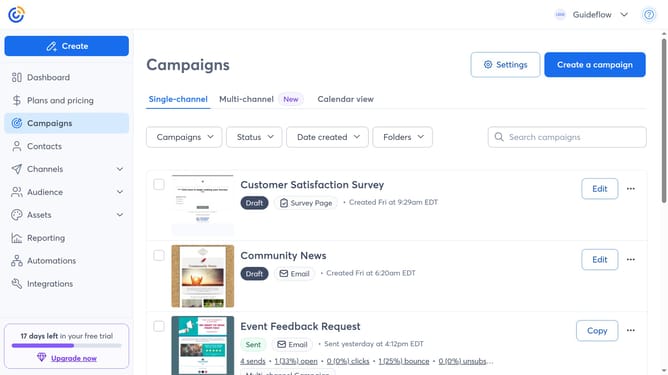
How to add your logo in Constant Contact
Here is how to add your logo in constant contact
- First click on your profile name in the top navigation bar
- Click on "Settings" in the dropdown menu
- Next select "Account details" tab in the settings navigation menu
- Locate the Business details section and click on the "Edit" button
- In the modal that appears, click on the "Add logo" button
- In your Library, select an existing logo or upload a new one
- Then click on the "Insert" button to add the logo
- Finally click the "Save" button to confirm your changes
Why should you add your logo in Constant Contact
Constant Contact is a robust email marketing platform designed to help businesses grow their audience effortlessly.
Adding your logo to Constant Contact is a straightforward feature that enhances brand consistency across your email campaigns. This feature allows you to personalize your communications, making your emails instantly recognizable to your audience.
Utilizing this feature not only strengthens your brand identity but also fosters trust and familiarity with your recipients. It's an easy way to ensure your brand stands out, creating a cohesive and professional look.
Last update