How to filter campaigns by draft status in Constant Contact
Here is how to filter campaigns by draft status in constant contact
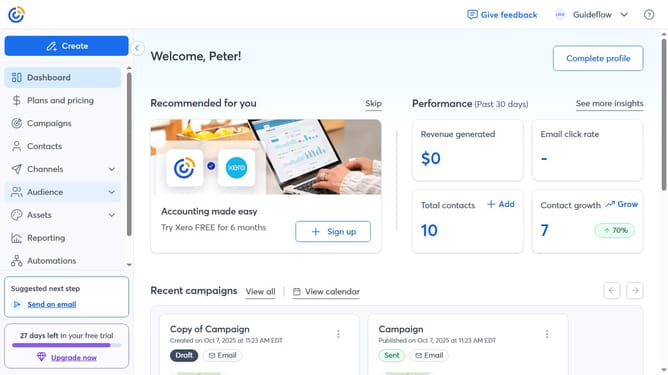
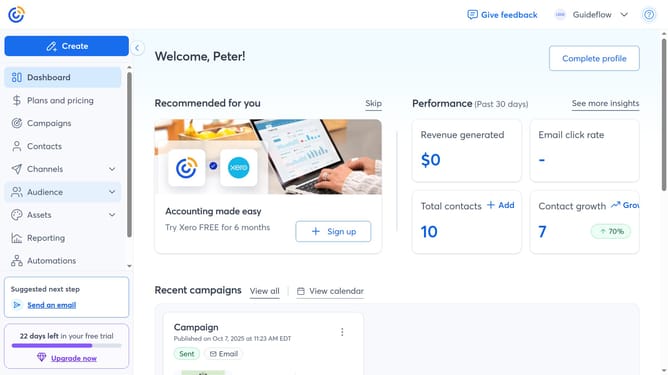
- First click on the "Campaigns" item in the left sidebar menu
- Next click on the "Status" dropdown filter in the top filter bar
- Then select "Draft" status option from the status dropdown menu
- The Campaigns list is now filtered to display only Drafts
Why should you filter campaigns by draft status in Constant Contact
Constant Contact is a versatile platform designed to streamline your email marketing efforts.
Among its many features, the ability to filter campaigns by draft status stands out for its organizational benefits. This feature allows you to easily view and manage only those campaigns that are still in the draft stage, helping you prioritize your work without distractions.
By focusing on draft campaigns, you ensure that no idea or effort goes overlooked, enhancing the overall effectiveness and efficiency of your email marketing strategy.
This level of organization ultimately leads to a more streamlined workflow, saving you time and helping you achieve consistently high-quality results.
Last update