How to show the urls(company) field in the pipeline in Folk
Here is how to show the urls(company) field in the pipeline in folk
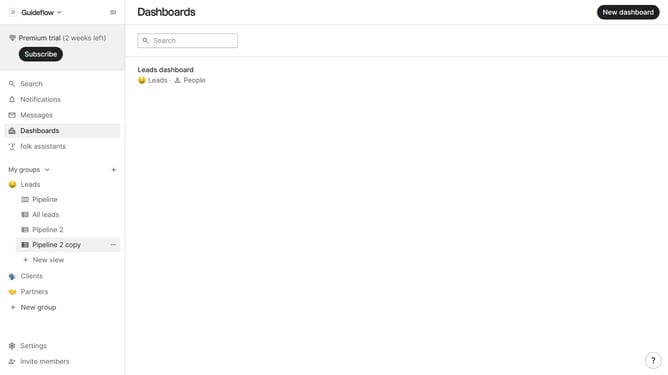
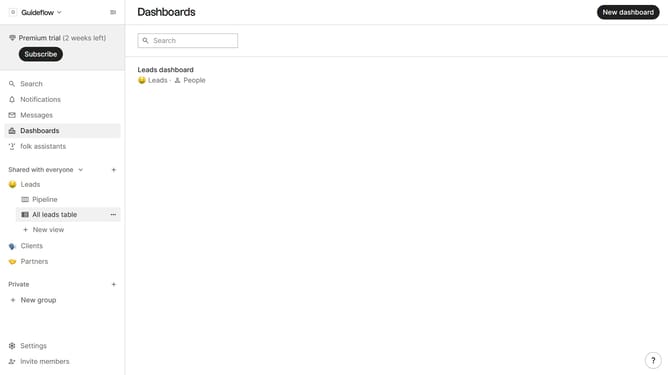
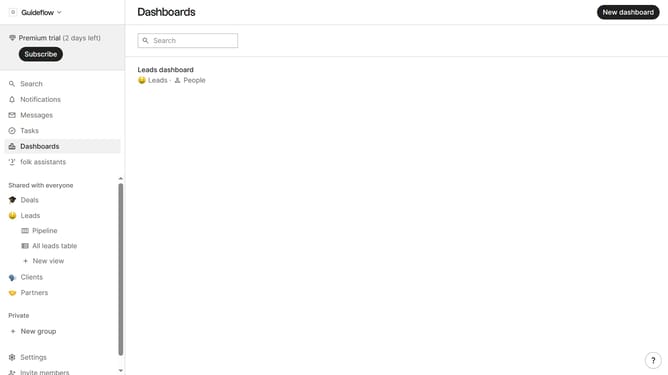
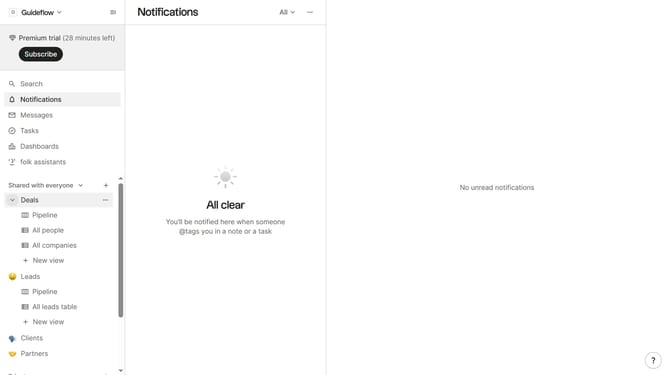
- First click on "Pipeline" in the left sidebar under the group where you want to show the "Urls(company)" field
- Then click on the "39" button with an eye icon in the top menu.
- Next scroll down in the dropdown menu
- Finally click on the eye icon next to "Urls (company)" option
Why should you show the urls(company) field in the pipeline in Folk
Folk is a dynamic tool designed to streamline and enhance workflow organization.
By displaying the URLs of companies directly in your pipeline, Folk enables quick access to vital information, ensuring you're always informed and connected.
This feature allows for seamless integration between projects and external resources, making management initiatives notably more efficient.
Overall, this capability fosters productivity by reducing the time spent navigating between platforms.
Last update