How to disable email notifications for contact assignments in Folk
Here is how to disable email notifications for contact assignments in folk
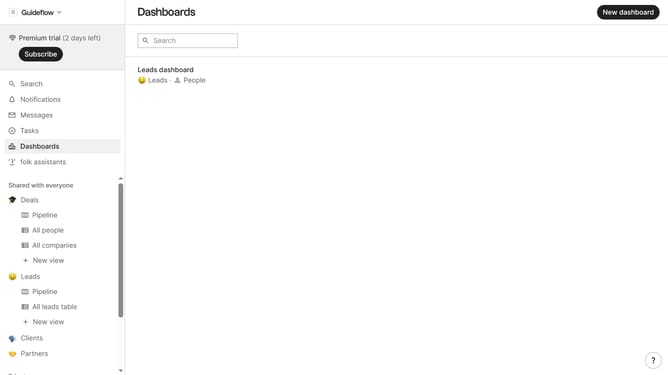
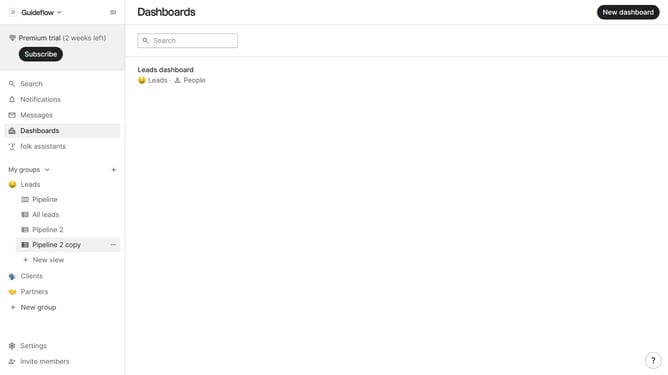
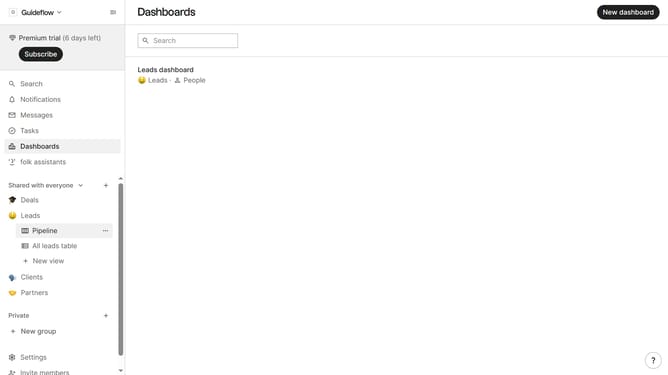
- First, click on the "Settings" item in the sidebar
- Then, click on the "Notifications" item in the sidebar
- Finally, uncheck the "I'm assigned to a contact" checkbox in the "Notify me when..." section
Why should you disable email notifications for contact assignments in Folk
Folk is a dynamic contact management solution designed to streamline your networking efforts.
By disabling email notifications for contact assignments in Folk, you gain control over your inbox, keeping it free from unnecessary distractions.
This feature is particularly beneficial for teams managing extensive contact databases, where constant updates can lead to overwhelming and cluttered communication.
Enjoy a more focused and efficient workflow by reducing interruptions and prioritizing important tasks.
Last update