How to show the phone numbers(company) field in the pipeline in Folk
Here is how to show the phone numbers(company) field in the pipeline in folk
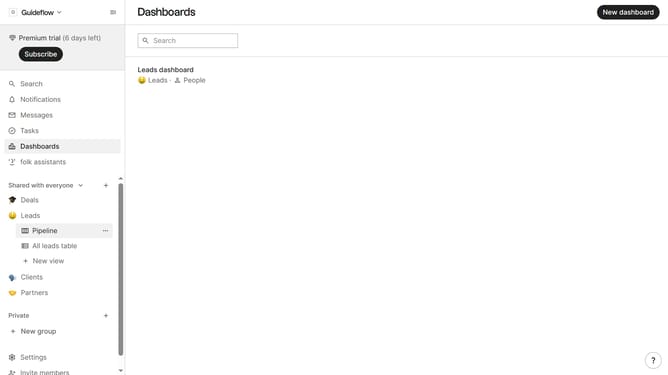
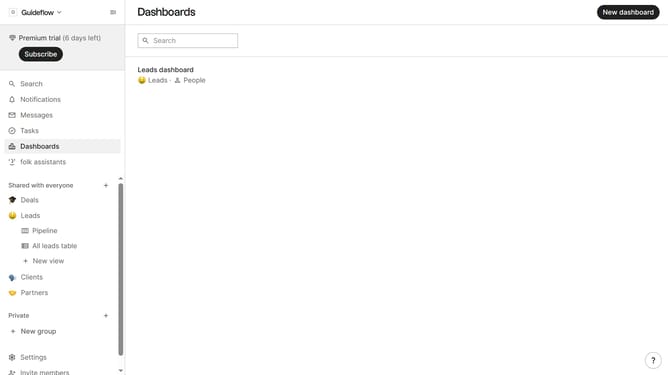
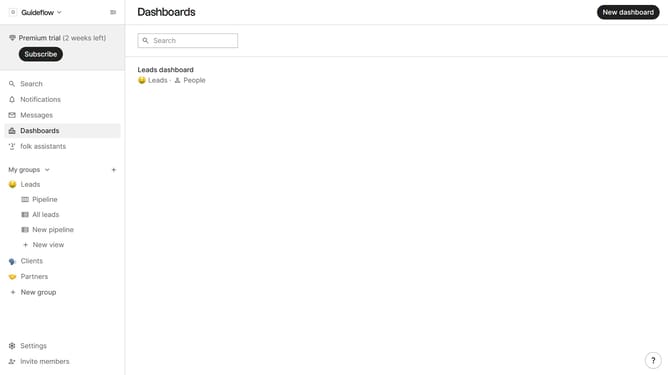
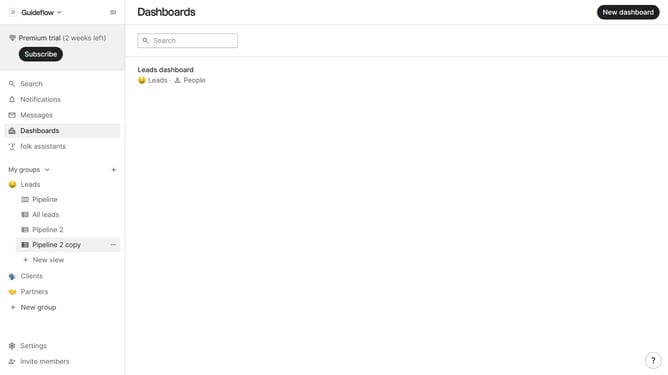
- First click on "Pipeline" item in the left sidebar under the group where you want to show "Phone numbers(company)" field
- Then click on the "Eye" button with eye icon in the top menu
- Next, scroll down in the dropdown menu
- Finally click on the eye icon next to "Phone numbers (company)" in the dropdown menu
Why should you show the phone numbers(company) field in the pipeline in Folk
Folk is a powerful tool designed for seamless team collaboration and efficient contact management.
By enabling the phone numbers (company) field to be visible in the pipeline, Folk enhances your team's ability to quickly access crucial contact details without having to navigate through multiple sections. This feature streamlines workflow and ensures that communication channels are always at your fingertips.
Utilizing the phone numbers field in the pipeline offers the advantage of immediate access to essential contact information, helping your team maintain momentum and efficiency during collaboration.
This feature highlights Folk's commitment to providing intuitive solutions for managing and responding to contacts swiftly and effectively, enhancing teamwork and productivity.