How to export a view as a CSV in Folk
Here is how to export a view as a csv in folk
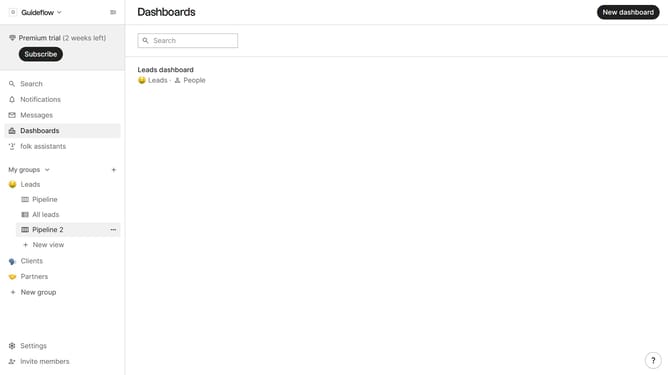
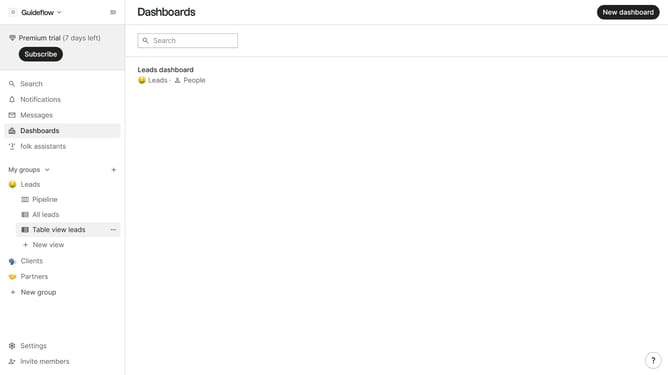
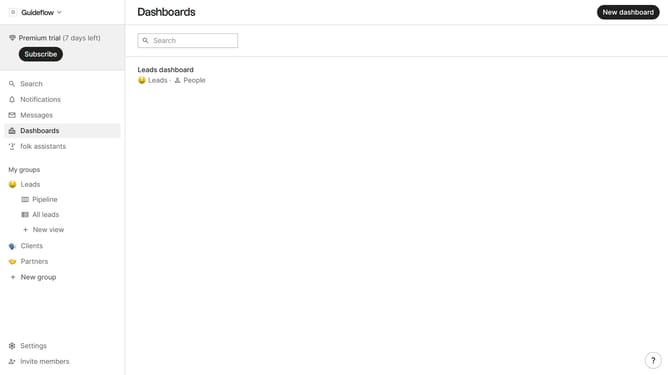
- First hover your mouse cursor over the view that you want to export as CSV
- Then click on the three dots icon next to the view in the sidebar
- Finally select "Export view as CSV" from the dropdown menu
Why should you export a view as a CSV in Folk
Folk is a dynamic platform designed to streamline and enhance your workflow management.
One standout feature is the ability to export a view as a CSV. This enables users to seamlessly convert their organized data into a universally recognized format, allowing for easy sharing and analysis across various applications.
This feature is particularly beneficial for teams needing to collaborate on projects, ensuring data is accessible and structured in a flexible manner. Utilizing this allows for quick integration into reports, presentations, or further data processing, enhancing productivity and communication efficiency.
Last update